The Architecture Behind 14 Client-Side Tools (iKit, 2026 Edition)
How iKit ships 14 independent tools as 14 separate Laravel apps with shared conventions, 25-language i18n, and zero file uploads — the operational handbook for a browser-first toolkit.
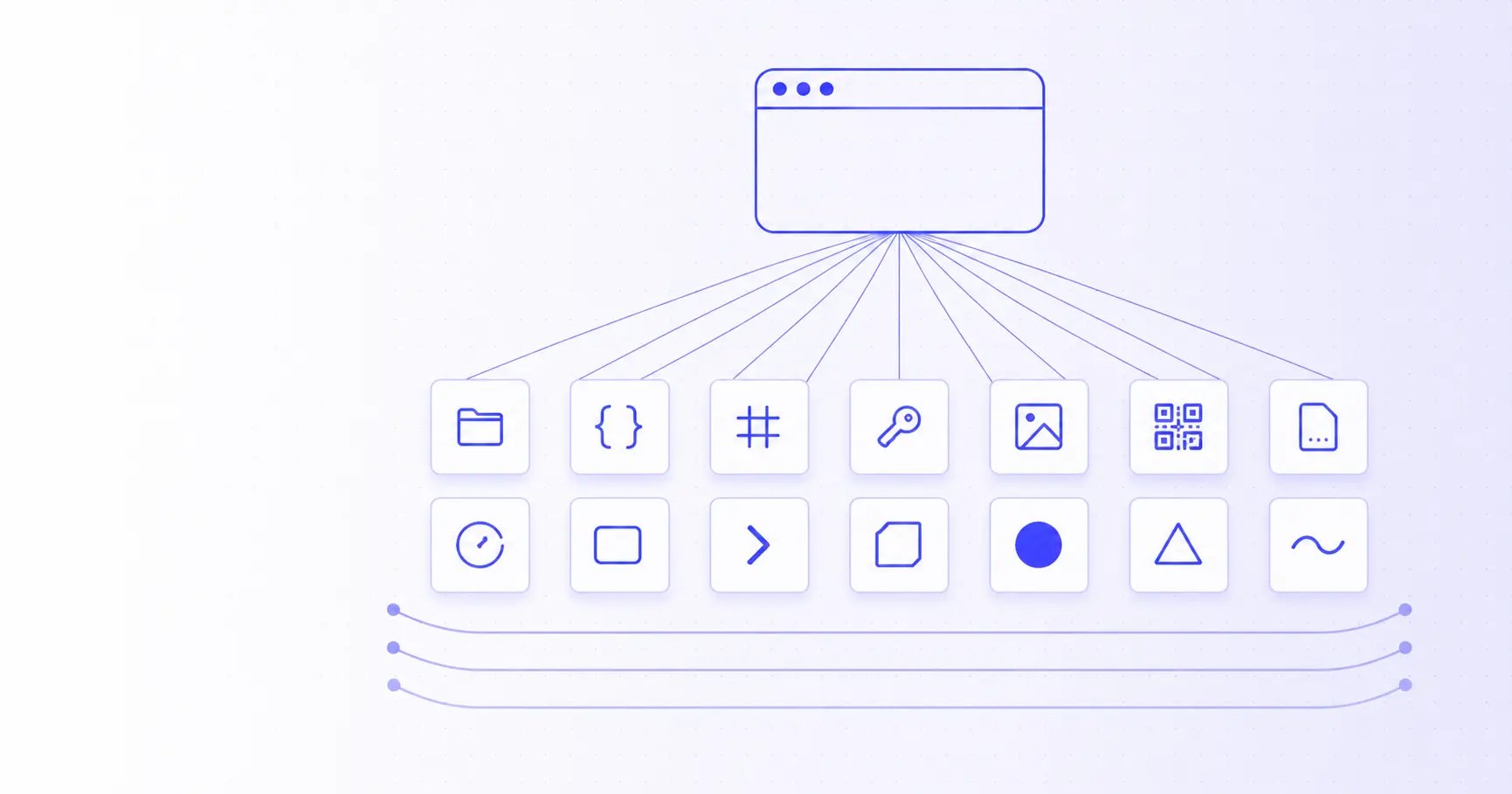
The Architecture Behind 14 Client-Side Tools
iKit is 14 independent web applications hosted at 14 subdomains of ikit.app. They share a brand, a stack, and an architectural philosophy — but each one ships its own JavaScript bundle, its own page weight, and its own deployment. This post is the operational handbook for how that works.
TL;DR
- 14 separate Laravel apps, one per tool, each at its own subdomain.
- Shared Blade layout + brand assets synced via shell scripts.
- Each app builds independently with Vite, ships its own JS bundle.
- 25 languages per app via
lang/{locale}.jsonflat files. - Zero file uploads — every tool runs in the browser using WebAssembly, Web Crypto, OffscreenCanvas.
- Single VPS + nginx with 14 vhosts; no Kubernetes, no microservices, no over-engineering.
Why 14 separate apps and not a monorepo
The first design decision was the most consequential: each tool gets its own Laravel project, its own subdomain, its own Vite build. The alternative — one monorepo with all tools under ikit.app/{tool} paths — would have been simpler in some ways. We rejected it for three reasons.
Reason 1: page weight per tool
The Background Remover ships an ~7 MB ONNX AI model + onnxruntime-web. The Hash Generator is 80 KB. If all tools shared a bundle, every visitor would download every tool's dependencies just to see the home page. By splitting per subdomain, you only pay for what you opened.
Reason 2: blast radius
A bug in the PDF tool, or a memory leak in the OCR worker, can't take down the QR generator if they're on different subdomains, different Laravel processes, different nginx vhosts. We've shipped breaking changes to one tool while the other 13 stayed serving traffic — that's hard to do in a monorepo without elaborate deploy gating.
Reason 3: independent deploy + per-tool experimentation
Some tools iterate fast (PDF, with 26 sub-tools, gets weekly updates). Others are stable (UUID Generator hasn't changed in 3 months). With separate projects, you can ship to one without rebuilding the others.
The cost is some duplication. Each app has its own views/layouts/app.blade.php, its own nav.blade.php, its own footer.blade.php. We solve this with a sync convention rather than a shared package — see "Cross-app sync scripts" below.
The directory structure
A single iKit project is a stock Laravel layout with one extra directory:
imagecompressor/
├── app/
│   ├── Http/Controllers/
│   │   ├── CompressController.php       (server endpoint, optional)
│   │   └── SitemapController.php        (per-tool sitemap.xml + llms.txt)
│   └── Services/                         (where it makes sense)
├── config/
│   ├── languages.php                    (25-language registry)
│   └── tools.php                        (only in the hub `ikit/`)
├── lang/
│   ├── en.json                          (source of truth)
│   ├── zh_TW.json                       (hand-tuned)
│   └── {23 other locales}.json          (agent-translated)
├── public/
│   ├── ads.txt                          (static, per-app)
│   └── build/                           (vite output)
├── resources/
│   ├── css/app.css                      (Tailwind 4)
│   ├── js/
│   │   ├── app.js                       (entry point)
│   │   ├── track.js                     (shared tracker, copied to every app)
│   │   └── tools/                       (per-tool modules — only in `pdf/`)
│   └── views/
│       ├── home.blade.php
│       ├── layouts/app.blade.php
│       ├── partials/{nav,footer}.blade.php
│       └── tools/*.blade.php             (only in `pdf/`)
└── routes/web.php
Most apps have one tool at the root path (/). The PDF app is the exception — it has 26 sub-tools at /merge, /split, /compress, etc., because the toolset is large enough that the index-of-tools UX makes sense.
Cross-app sync scripts
The biggest architectural question with this layout is "how do you avoid drift between 14 copies of the same layout file?". Our answer is a small set of shell scripts, idempotent enough that running them twice does nothing.
# At the top of /17.ikit/
build-all.sh         # iterate 14 apps, run npm install + vite build
sync-env.sh          # copy MAIL_* and AdSense env vars from ikit/.env to all apps
deploy-icons.sh      # push 14 sets of favicon / apple-touch-icon to each app's public/
deploy-og.sh         # push og-image.png to each app
When we change the brand favicon, we change it in /icon/ and run ./deploy-icons.sh. When the SMTP password rotates, we update ikit/.env and run ./sync-env.sh. Each script is bounded — it knows exactly which files belong to it — so there's no "what does this run touch?" mystery.
For the layout files (views/layouts/app.blade.php), we accept the duplication. When a meta tag pattern changes, we patch all 14 with a perl -i script. The pattern is to keep the layout files intentionally minimal — only the absolute minimum that has to be the same — and let each app add its own page-specific blocks via Blade @push('head').
The 25-language translation pipeline
Every app's lang/ directory has 25 JSON files. They use flat keys (hero.title, not { hero: { title: ... } }) because Laravel's __('hero.title') is happier with that.
{
  "hero.title": "Free tools, built for the web.",
  "hero.subtitle": "A growing suite of...",
  "options.quality": "Quality",
  "options.format": "Format"
}
When we add a new tool or expand an existing one, the translation flow is:
- Hand-write
en.jsonwith the final UI strings. - Hand-write
zh_TW.jsonin parallel — the team works in Traditional Chinese, so this is the second source of truth, kept in sync with English. - Seed the other 23 lang files as copies of
en.json— this guarantees the app works in every language even if translations are still in flight (the user sees English fallback strings instead of broken keys). - Dispatch 23 parallel Cowork agents, one per locale, each translating
en.jsoninto its target language and writing tolang/{locale}.json.
The tradeoff is honest: some of those 23 translations are AI-generated and not as polished as a human translator would write. But "good enough native translation in 25 languages" beats "perfect English-only" for users who don't read English fluently. We hand-tune the languages that drive engagement — Persian, Turkish, Russian, Brazilian Portuguese, Japanese — based on what Search Console tells us.
For the practical workflow when adding a new tool's content, see our recent post on generating QR codes for Wi-Fi, vCards, and URLs — the same i18n keys appear in 25 languages.
Build pipeline
Each app's frontend builds with Vite 8 + Tailwind 4 + Laravel Vite Plugin. The build output (public/build/) is committed to git and served by nginx as static assets — no Node.js process at runtime.
// vite.config.js (every app)
import { defineConfig } from 'vite';
import laravel from 'laravel-vite-plugin';
import tailwindcss from '@tailwindcss/vite';

export default defineConfig({
    plugins: [
        laravel({
            input: ['resources/css/app.css', 'resources/js/app.js'],
            refresh: true,
        }),
        tailwindcss(),
    ],
});
build-all.sh iterates the 14 apps:
for app in "${APPS[@]}"; do
    cd "$app" || continue
    npm install --silent --no-audit --no-fund
    php artisan view:clear
    npm run build
    cd - > /dev/null
done
A clean build of all 14 apps takes ~3 minutes on a 2024 MacBook Air. Per-app incremental builds are 5–15 seconds.
Routing model
There are no API endpoints for tools (because there are no servers for tools). The Laravel routes are minimal:
// routes/web.php (typical app)
Route::get('/',        fn () => view('home'))->name('home');
Route::get('/privacy', fn () => view('privacy'))->name('privacy');
Route::get('/terms',   fn () => view('terms'))->name('terms');
Route::get('/sitemap.xml', [SitemapController::class, 'index'])->name('sitemap');
Route::get('/robots.txt',  [SitemapController::class, 'robots'])->name('robots');
Route::get('/llms.txt',    [SitemapController::class, 'llms'])->name('llms');
Route::get('/lang/{locale}', /* set cookie + redirect */);
Total: ~7 routes, all returning HTML. The actual tool runs in the JavaScript that the home view loads. No tool-specific controller exists.
The ikit/ hub app is a partial exception — it has the blog (/blog, /blog/{slug}), the contact form (/contact), and the metrics endpoint (POST /api/track) for usage counting. But these are still server-rendered HTML or simple JSON; nothing involves the user's files.
Hosting and deployment
We run a single VPS (4 vCPU, 8 GB RAM) with nginx + PHP 8.3 FPM. Each subdomain is an nginx vhost pointing at its app's public/ directory:
# /etc/nginx/sites-enabled/imagecompressor.ikit.app
server {
    server_name imagecompressor.ikit.app;
    root /var/www/imagecompressor/public;
    location / {
        try_files $uri $uri/ /index.php?$query_string;
    }
    location ~ \.php$ {
        fastcgi_pass unix:/run/php/php8.3-fpm.sock;
        # ...
    }
}
Cloudflare sits in front of every subdomain for DNS, TLS, and edge caching. Static assets (public/build/*, public/ads.txt) are cached aggressively at the edge; HTML routes pass through to PHP.
There is no:
- Kubernetes
- Docker Compose orchestration
- Microservice mesh
- Background job queue (no jobs to queue — work is in the user's browser)
- Database (none of the tools need persistence)
- Redis (the only cache is
cache.driver=filefor the blog frontmatter)
This is on purpose. The site is operationally boring: deploy by git pull, recover from outages by restarting nginx, scale by adding RAM if PHP-FPM ever needs it (it hasn't yet).
What this architecture optimises for
If you compare iKit to a typical SaaS startup the differences are sharp:
| Decision | Typical SaaS | iKit |
|---|---|---|
| Compute | Server fleet | User's browser |
| Per-user data | Database + warehouse | None — there are no users |
| Auth | OAuth + sessions | None |
| Background work | Queue workers | None |
| Multi-region | CDN + multi-region DB | CDN only (everything is static) |
| Failure domain | Per-service | Per-tool (subdomain isolation) |
| Onboarding | Email signup → activation | Open page → use tool |
The key tradeoff: iKit can never offer features that genuinely need a server (multi-device sync, scheduled tasks, large-AI-model inference). In exchange, it offers something the SaaS model can't: zero data lock-in. Close the tab and there's nothing of you on our infrastructure.
What's next architecturally
Three things are likely to evolve in the next 12 months:
-
WebGPU adoption — once all major browsers ship stable WebGPU (Safari got it late 2024, Firefox is close), the Background Remover and any future image-AI tools can move some work to the GPU and shrink the page weight by 50%+.
-
File System Access API for repeated batch workflows — letting users pick a folder once and have the tool watch it, instead of re-dropping files each time. Already shipping in Chrome and Edge.
-
Service Worker offline mode — most iKit tools could function fully offline once the page is loaded. Caching the bundle in a service worker would mean the tools work on planes, in tunnels, behind corporate firewalls. We just haven't shipped this yet.
But the core architectural commitment — 14 independent apps, browser-first compute, no per-user data — is staying. After 6 months of running it, the operational simplicity is the thing I'd never give up.
References
- Laravel documentation — The PHP framework underpinning each of the 14 per-tool apps.
- Vite — Next Generation Frontend Tooling — The bundler each app uses to produce its independent
public/build/output. - Tailwind CSS — Utility-first CSS framework shared across every iKit app.
Related on iKit
- How iKit runs entirely in your browser — the API-level technical companion to this architectural overview. Goes deep on WebAssembly, OffscreenCanvas, Web Workers, Web Crypto.
- Why I built iKit — the product narrative for why all these architectural choices exist in the first place.
- Generate every app icon size from one source — one of the 14 tools this architecture serves, running entirely in the browser.
- Encode and decode Base64 with real examples — another client-side utility built on the same shared conventions at iKit.
- How to format ugly JSON in 2026 — 3 methods compared — the JSON Decoder is one of the lightweight 80 KB tools described here.
Related posts
Privacy-First Lorem Ipsum: Why Filler Text Needs No Server (2026)
Privacy-first Lorem Ipsum means your filler text never leaves the browser. Here is why server-side generators are a needless request, and how to check.
XMLHttpRequest to xml_http_request: The Acronym Rule (2026)
XMLHttpRequest becomes xml_http_request only if your converter knows where the acronym ends. Here is the boundary rule, the regex, and what style guides say.
kebab-case in CSS, URLs, and CLI Flags: Why Hyphens Win (2026)
kebab-case shows up in CSS properties, URL slugs, and command-line flags for reasons that are not stylistic. Here is what the specs actually require.