Compare Two Markdown Drafts Without Word Track Changes (2026)
How to compare two Markdown drafts without Word's Track Changes: use a diff checker, git word-diff, or CriticMarkup to see every real edit in plain text.
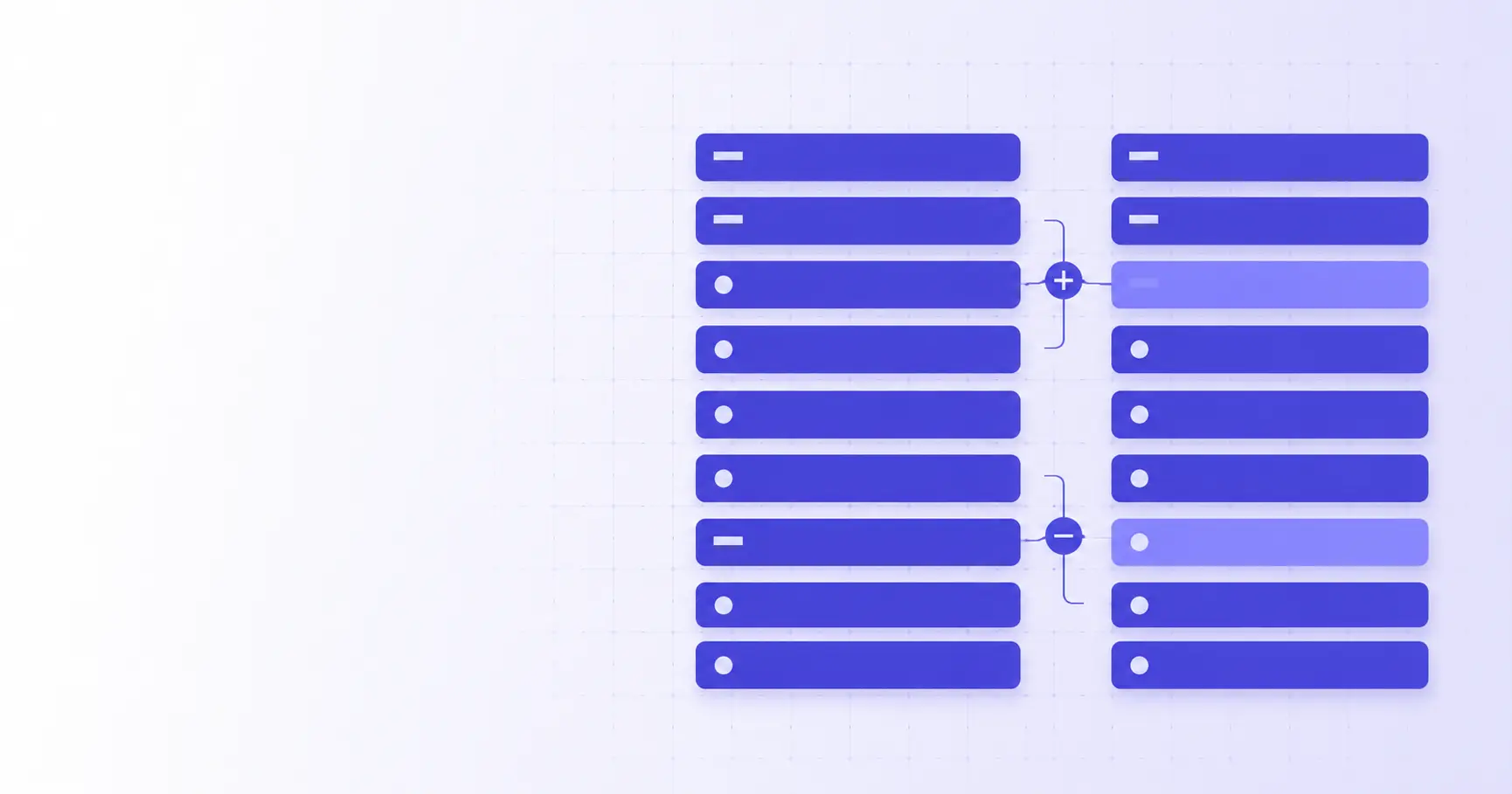
Compare Two Markdown Drafts Without Word's Track Changes
You wrote a README, a blog post, or a spec in Markdown. A colleague sends back "their version," and now you need to know exactly what changed. The instinct is to drop both into Word and hit Track Changes — but that turns clean plain text into a binary document, buries your syntax, and produces edits git can't read. There are three faster ways to compare two Markdown drafts that keep everything in plain text.
TL;DR
- Track Changes lives in
.docx, so it destroys the plain-text and git-friendliness that make Markdown useful. - For a quick review, paste both drafts into a diff checker like diff.ikit.app — additions and deletions show up on the raw source.
- In a repo,
git diff --word-diffshows word-level edits instead of marking whole paragraphs as changed. - For inline "suggestions" you accept or reject, use CriticMarkup marks such as
{++add++}and{--delete--}. - Pick by workflow: diff tool for a one-off review, git for versioned files, CriticMarkup for multi-author editing.
Why Word's Track Changes fails for Markdown drafts
Track Changes is excellent for the world it was built for — .docx files edited by people who never see the underlying markup. Markdown is the opposite: the markup is the document, and the whole point is that it stays as readable plain text.
Track Changes rewrites your plain text into a binary file
A Markdown file is UTF-8 text. A Word document is a ZIP archive of XML. The second you open draft.md in Word, review it, and save, you either get a .docx (now binary, no longer your source) or Word mangles the .md on the way out. Your ## headings, fenced code blocks, and link syntax stop being visible as text and become styled paragraphs. That is a lossy round-trip, and it defeats the reason you chose Markdown in the first place.
Reviewers can't see the raw Markdown syntax
When the edit matters because of syntax — a broken link, a mis-indented list item, a code fence that lost its language tag — Track Changes hides exactly the thing you need to review. It shows the rendered result, not the [text](url) or the ```js that produced it. For technical drafts, reviewing the source is the review.
Merge conflicts you can't resolve
If your Markdown lives in git, a .docx in the history is a dead end. You can't diff it in a pull request, you can't merge two people's Track Changes, and you can't cherry-pick one accepted edit. Plain text is what makes line-by-line collaboration possible; a binary review artifact throws that away.
How to compare two Markdown drafts without Word
The fastest path for a one-off comparison is a plain-text diff checker. You don't install anything, and nothing is converted — you compare the Markdown source directly.
Paste both drafts into a diff checker
Put the original draft in the left pane and the revised draft in the right pane. A good in-browser tool like the iKit Diff Checker runs entirely client-side, so your unpublished draft never leaves the tab. Added lines are highlighted one color, removed lines another, and unchanged lines stay neutral — the same mental model as Track Changes, but on your actual .md text.
Read additions and deletions inline
Because you're diffing the source, a changed link shows up as the full [label](https://…) before and after. A heading that dropped from ## to ### is visible as a character change, not an invisible style tweak. That precision is the reason developers review Markdown as text rather than as rendered output.
Why does my diff show a whole paragraph changed when I edited one word?
Many Markdown editors — and the CommonMark model itself — treat a paragraph as a single logical block. If your editor hard-wraps or, like some writing apps, keeps an entire paragraph on one line, a line-level diff flags the whole paragraph the moment you fix one typo. The fix is a word-level or character-level diff, which is exactly what the next two methods give you. (For an in-depth look at the trade-off, see the related post on word-level vs line-level diffs below.)
How to see word-level changes in Markdown with git diff
If your drafts are committed to a repository, git already has a word-diff mode built in — you don't need a separate tool at all.
git diff --word-diff
Run:
git diff --word-diff draft.md
Instead of reprinting whole changed lines, git wraps insertions in {+ +} and removals in [- -], so a one-word edit shows as one word. Per the official Git documentation, --word-diff splits on whitespace by default — runs of non-whitespace are "words."
git diff --word-diff-regex for punctuation
Whitespace splitting misses edits inside a token, like changing a URL or fixing punctuation. Redefine what a "word" is with a regex:
git diff --word-diff-regex=. draft.md
Passing . makes git compare character by character. The Git docs note that every non-overlapping regex match counts as a word and anything between matches is treated as ignorable whitespace — so you can tune granularity from whole words down to single characters.
Set it per-file with .gitattributes
You don't want word-diff on your source code, only on prose. Scope it to Markdown with a .gitattributes entry:
*.md diff=markdown
Combine that with a configured markdown diff driver, and every git diff on a .md file uses word-level output automatically while your .js and .py files keep normal line diffs.
CriticMarkup: track changes that stay plain text
Sometimes you don't just want to see changes — you want to propose them and let the author accept or reject each one, exactly like Track Changes. CriticMarkup does that without leaving Markdown.
The five CriticMarkup marks
CriticMarkup defines five inline marks. Per the CriticMarkup syntax reference, they are:
- Addition —
{++ new text ++} - Deletion —
{-- old text --} - Substitution —
{~~ old ~> new ~~} - Comment —
{>> a note to the author <<} - Highlight —
{== flag this ==}{>> why <<}
An edited sentence looks like this in raw text:
The build takes {~~ten~>three~~} minutes
after we {++enabled caching and++} split
the test suite.
It reads fine as plain text, it commits cleanly to git, and toolkit plugins for VS Code, Emacs, and others can render or resolve the marks — accepting turns {++x++} into x, rejecting removes it. That is Word's accept/reject loop, living entirely in your .md file.
When to use CriticMarkup vs a diff tool
Use a diff checker or git diff when you're comparing two finished drafts and just need to see the delta. Reach for CriticMarkup when editing is collaborative and iterative — a reviewer marks up your draft, hands it back, and you resolve each suggestion. One shows differences; the other tracks proposed edits over time.
Choosing a Markdown comparison workflow
There's no single right answer — the best method depends on how many people touch the draft and whether it's in version control.
| Method | Best for | Stays plain text? |
|---|---|---|
| Word Track Changes | .docx documents, non-technical reviewers |
No |
| Diff checker | One-off review of two drafts | Yes |
git diff --word-diff |
Files already in a repo | Yes |
| CriticMarkup | Iterative multi-author editing | Yes |
Solo drafts vs multi-author review
Editing alone or comparing "before and after" of your own work? A diff checker or git diff is the shortest path. Passing a draft back and forth with an editor who leaves suggestions? CriticMarkup keeps every proposed change attributable and reversible without a binary file in the loop.
Privacy: why paste-in-browser beats uploading
Unpublished drafts are often sensitive — an unannounced release, an internal spec, a client deliverable. A client-side diff tool compares text in your browser tab with no upload, so nothing hits a server. If you're also polishing length or reading time before publishing, the iKit Word & Character Counter runs the same way, and you can write and preview the drafts themselves in the in-browser Markdown Editor. The rule of thumb: prefer tools that keep the draft on your machine.
References
- Git — diff-options Documentation —
--word-diffand--word-diff-regexbehavior and word-splitting rules. - CriticMarkup — MultiMarkdown 6 Syntax Reference — the five change-tracking marks and their plain-text syntax.
- CriticMarkup Toolkit — editor plugins that render and accept/reject CriticMarkup marks.
- CommonMark Spec — the paragraph/block model behind why line diffs flag whole paragraphs.
Related on iKit
- See why a one-word edit shows as a whole changed line, and how to fix it — the exact trade-off behind noisy Markdown diffs.
- Understand how any diff tool decides what actually changed — the LCS algorithm that powers browser diffs and git alike.
- Compare drafts side-by-side or in a unified view — pick the layout that suits reviewing prose vs code.
- Diff any two texts in seconds without uploading them — the general-purpose workflow this article builds on.
- Stop whitespace-only changes from hiding a real edit — when to ignore whitespace and when it costs you a bug.
- Compare two JSON files without formatting tripping the diff — the same "compare the source, not the render" idea for JSON.
- Draft and preview the Markdown you're comparing — a live-preview editor for writing the drafts in the first place.
- Preview a Markdown file before you diff it — render
.mdto check what a change actually looks like.
Related posts
Lorem Ipsum Markdown: Filler for READMEs and Docs (2026)
Lorem Ipsum Markdown that survives the renderer: which blocks to fill, the characters that quietly become syntax, and how filler behaves on import to Notion.
Lorem Ipsum HTML: Generate Markup-Ready Filler Fast (2026)
Lorem Ipsum HTML in seconds: Emmet abbreviations, browser generators, the right tag for each block, and the lang trap that makes screen readers stumble.
Seed a Database From CSV: Laravel, Django, Rails (2026)
How to seed a database from a CSV file in Laravel, Django and Rails, when to skip the ORM for COPY or LOAD DATA, and how to keep seeds re-runnable.