Diff Checker Online: Compare Any Two Texts Fast (2026)
A diff checker compares any two texts in seconds, right in your browser — no upload, no sign-up. Learn how diff algorithms work and when to use one.
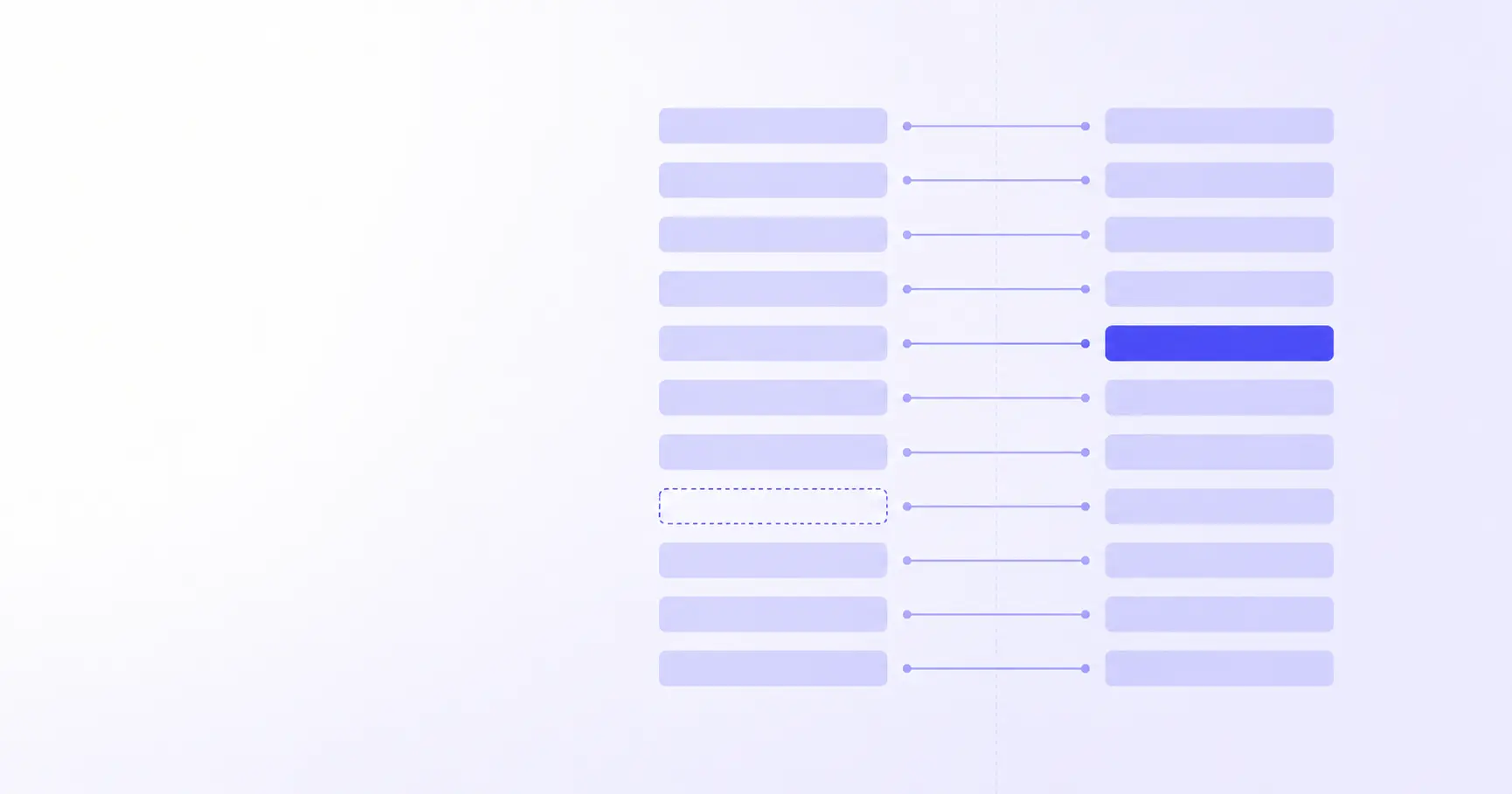
Diff Checker Online: Compare Any Two Texts Fast
You changed one line in a config file and now the service won't start. Or a teammate sent back an "edited" paragraph that looks identical to yours. Eyeballing two near-identical blocks of text is slow and error-prone — you will miss the one character that matters. A diff checker does the comparison for you, highlighting every added, removed, and changed line in seconds. Here is how diffing actually works, and how to read the output without second-guessing it.
TL;DR
- A diff checker aligns two texts and highlights every added, removed, and changed line.
- Most tools use Myers' 1986 O(ND) algorithm to find the shortest edit script.
- Side-by-side view is best for review; unified diff is what git and patches use.
- "Ignore whitespace" hides reformatting noise but can also hide real bugs.
- iKit's Diff Checker runs in your browser — nothing is uploaded.
How to compare two texts online
The mechanics are simple, but a couple of habits make the result far easier to trust.
Paste original on the left, changed on the right
Order matters for readability. By convention the left (or top) pane holds the original — the "before" — and the right holds the changed version. A diff tool then reports what it takes to turn the left into the right: lines it had to delete, lines it had to add, and lines that stayed put. If you swap the two, every addition becomes a deletion and the diff reads backwards. With iKit's Diff Checker you paste both blocks and the comparison runs as you type.
Read additions, deletions, and changes
Every diff reduces to three operations. A line present on the right but not the left is an addition. A line present on the left but not the right is a deletion. A "change" is just a deletion immediately followed by an addition — the tool shows the old line struck out and the new line in its place. There is no fourth category; even a one-character typo fix is a delete-plus-add under the hood.
Why two identical-looking files still differ
When a diff insists two files differ but they look the same, the cause is almost always invisible characters: a trailing space, a tab where you expected spaces, or a line-ending change. Windows editors write \r\n (CRLF) while Unix tools write \n (LF), so a file copied between systems can differ on every single line without one visible character changing. A good checker can normalise these — more on that below.
How diff algorithms actually find changes
Highlighting changes is not as obvious as it sounds. The tool has to decide which lines "match" across the two versions, and there are usually many valid answers.
The longest common subsequence problem
Diffing is built on the longest common subsequence (LCS): the longest ordered list of lines that appears in both files, not necessarily contiguous. Once you know the LCS, everything not in it is either an addition or a deletion. Finding the longest common subsequence is what produces a minimal, readable diff — a shorter LCS would mark lines as changed that did not really change.
Myers' O(ND) algorithm in plain terms
In 1986 Eugene Myers published "An O(ND) Difference Algorithm and Its Variations", which reframed diffing as finding the shortest path through an "edit graph." Here N is the combined length of the two inputs and D is the number of edits in the shortest edit script — so when two files are nearly identical (small D), the algorithm is extremely fast. This is why diffing a one-line change in a 10,000-line file is instant. Myers' approach became the standard, powering GNU diff, most editors, and git.
Why git offers patience and histogram too
Myers is greedy and occasionally aligns lines in a way that reads oddly — a classic case is when a closing brace gets matched to the wrong block. Git therefore ships alternatives you can pick with --diff-algorithm: minimal spends extra effort to shrink the diff, patience (invented by Bram Cohen) matches unique lines first to produce more intuitive hunks, and histogram extends patience to handle low-frequency common lines. They all describe the same edits; they differ only in which alignment they consider most readable.
# Try a different algorithm for a cleaner diff
git diff --diff-algorithm=histogram file.js

# Make histogram your default
git config --global diff.algorithm histogram
Side-by-side vs unified diff: which to use
The same set of changes can be displayed two ways, and picking the right one saves real time.
When side-by-side wins
Two columns, original on the left and changed on the right, with matching lines kept level. This is the view to use during code review or when proofreading prose, because you read each version in its natural flow and your eye jumps only where the colours change. It struggles with very long lines that wrap, and it is awkward to paste into a chat or ticket.
When unified diff wins
Unified diff stacks everything in a single column and is the format you have seen in pull requests and .patch files. Per the GNU diffutils manual, each change is grouped into a hunk introduced by an @@ header that gives the line ranges, with - marking removed lines, + marking added lines, and a leading space marking unchanged context:
@@ -1,4 +1,4 @@
 function greet(name) {
-  return "Hi " + name;
+  return `Hello, ${name}!`;
 }
Unified output is compact, copy-pastes cleanly, and is machine-readable — patch can apply it to another copy of the file. The trade-off is that large rewrites are harder to follow than in side-by-side.
A quick comparison
| View | Best for | Weak spot |
|---|---|---|
| Side-by-side | Review, proofreading | Long wrapping lines |
| Unified | Patches, pasting, git | Big rewrites |
What "ignore whitespace" really does
Most diff tools offer a switch to ignore whitespace, and it is the most misunderstood option in the panel.
The options, from gentle to aggressive
Git formalises three levels in its diff-options docs, and they nest:
- Ignore trailing whitespace — differences only at the end of a line are dropped.
- Ignore amount of whitespace (
-b) — runs of spaces/tabs are treated as equal, so re-indentation is hidden. - Ignore all whitespace (
-w) — whitespace is removed entirely before comparing, even where one side has none.
Each is a superset of the one above it. Reach for the gentlest level that solves your problem.
When it saves you, and when it bites
Ignoring whitespace is a lifesaver when a formatter has reindented a whole file and you only want to see the real logic change underneath. But it is dangerous in any language where whitespace is semantic. In Python, indentation defines blocks; in YAML, it defines structure; in Makefiles, a tab is not a space. Turn -w on for those and you can hide the exact bug you are hunting. The safe habit: diff with whitespace shown first, and only collapse it once you have confirmed the spacing change is intentional. For structured data, format both sides first — running two JSON blobs through a JSON formatter before diffing removes reformatting noise without lying about the content.
Why a browser-based diff checker matters
Where the comparison runs is not a technicality — it is a privacy decision.
Your text never needs to leave the page
A diff is pure computation on two strings. There is no reason it has to happen on a server. iKit's Diff Checker does the whole comparison in JavaScript inside your tab, so the text you paste never travels across the network. That is the difference between a tool you can use on a leaked credentials file and one you cannot.
Comparing things you should not upload
Plenty of everyday diffs involve text you would never want sitting in a stranger's server logs:
- Two versions of an
.envfile or a Kubernetes secret - A contract redline before it is signed
- Proprietary source during a refactor
- Customer data exports you are reconciling
For prose specifically — comparing two drafts of an article or release note — pairing a diff with a live Markdown editor or a word counter keeps the entire writing-and-review loop on your own machine.
References
- An O(ND) Difference Algorithm and Its Variations (Eugene W. Myers, 1986) — primary source for the LCS/shortest-edit-script equivalence and the O(ND) complexity claim.
- Git — git-diff Documentation — official reference for the
--diff-algorithmoptions (myers, minimal, patience, histogram). - Git — diff-options Documentation — official description of the whitespace flags
-band-wand how they nest. - GNU diffutils Manual — Detailed Description of Unified Format — authoritative spec for the
@@hunk header and+/-/space line markers.
Related on iKit
- Format both JSON blobs before you diff them — reformatting two JSON files to a consistent shape first stops a diff from drowning in cosmetic noise.
- Test a regex pattern when you need to find, not compare — a sibling browser text tool for the times a search pattern, not a line-by-line diff, is the right approach.
- The 25 regex patterns you'll reuse every week — pairs well with diffing when you are slicing log lines or extracting fields from changed files.
- Why iKit runs entirely in your browser — the same no-upload architecture that lets you diff secrets and contracts without sending them anywhere.
Related posts
Classroom Timer: Fullscreen Countdowns for Teachers (2026)
A classroom timer has to be readable from the back row, stay awake and make a noise. Here is the fullscreen browser setup that does all three.
HIIT Timer Setup: Tabata, EMOM and AMRAP in the Browser (2026)
A HIIT timer you can run from one browser tab: Tabata 20/10, EMOM and AMRAP explained, plus why 20-second intervals break most online timers.
Kitchen Timer Online: 12 Recipe Presets in One URL (2026)
A kitchen timer online beats the one-at-a-time timer on your phone. Twelve recipe presets, all bookmarkable links, plus the browser APIs that keep them honest.