encodeURIComponent vs encodeURI: When to Use Which (2026)
encodeURIComponent vs encodeURI trips up every JavaScript dev once — here's the actual rule, the characters each protects, and when to pick which in 2026.
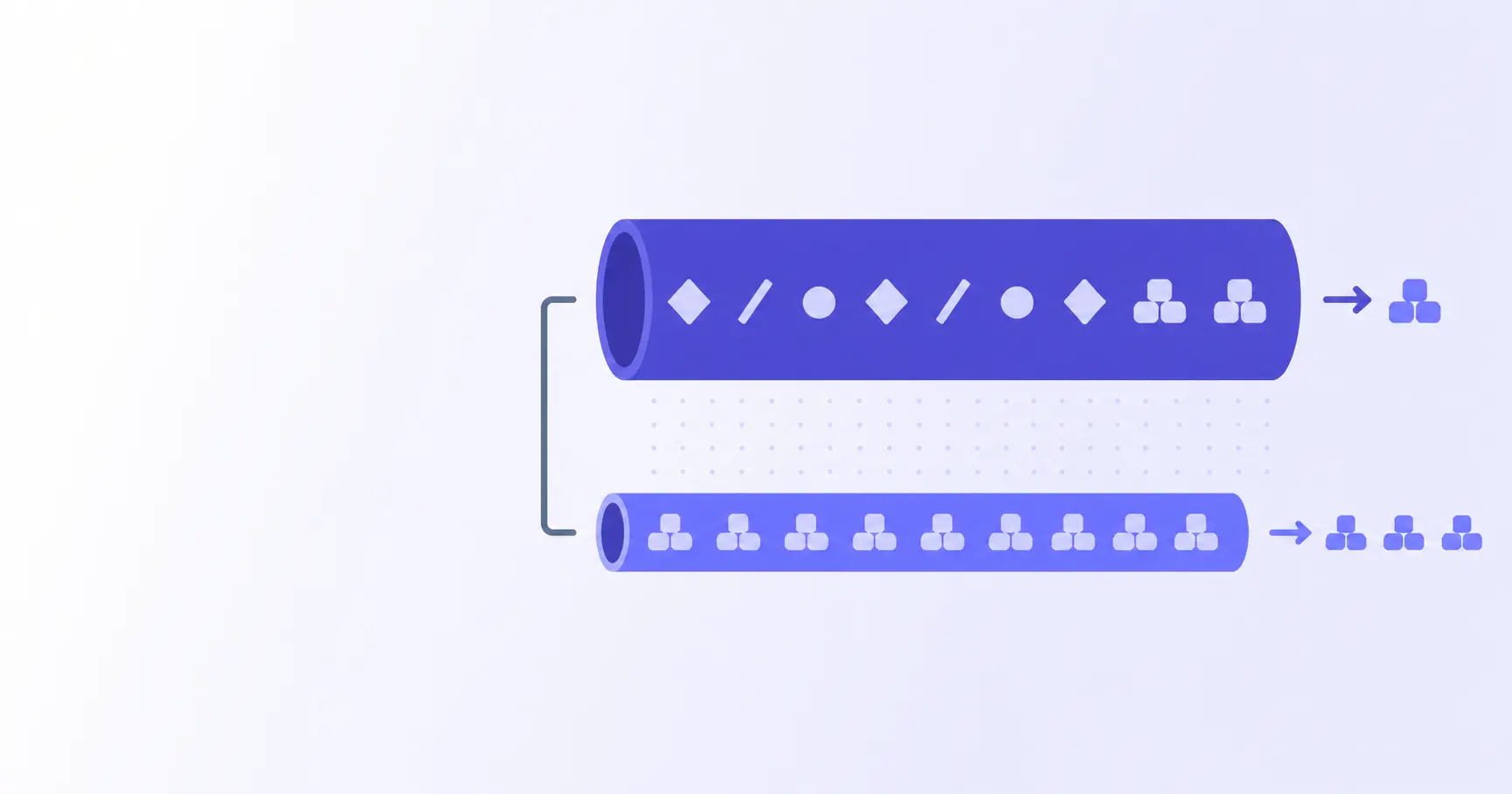
encodeURIComponent vs encodeURI — Which JavaScript Helper to Use, and When
You paste a URL into fetch(), it 404s, and the only thing different from the working version is one percent-sign. Welcome to the encodeURIComponent vs encodeURI debate — the JavaScript API pair that fewer than half of working developers can describe accurately on the first try. This post fixes that. By the end you'll know exactly which one protects what, why the smaller function is almost always the right pick, and the three places using the wrong one silently breaks a request.
TL;DR
encodeURIComponentpercent-encodes every reserved URL character — use it for query values and path segments.encodeURIleaves/,?,#,&,=alone — use it only when encoding a whole URL.- Nine times out of ten,
encodeURIComponentis the right answer. - A
?inside a value will silently cut your URL in half if you usedencodeURI. - For complex query strings,
URLSearchParamsbeats hand-rolling either function.
What encodeURI and encodeURIComponent Actually Do
Both functions percent-encode bytes that aren't safe in a URL. Both follow RFC 3986 for which bytes count as "unreserved" and stay literal. The difference is which reserved characters they treat as part of URL syntax and leave alone, versus which they treat as content that must be escaped. That's the whole story — but the consequence is that they are not interchangeable, and using the wrong one is one of the easier ways to ship a broken request.
encodeURI: the "leave the URL alone" version
encodeURI is designed for taking a string that is already a complete URL — scheme, host, path, query, fragment — and escaping the characters that absolutely cannot survive in a URL. It does not touch characters that have structural meaning, because doing so would change which URL you're actually pointing at. The characters it skips are these:
// encodeURI does NOT encode any of these:
// A-Z a-z 0-9 - _ . ! ~ * ' ( )
// ; , / ? : @ & = + $ #
That second row is the important one. Forward slashes stay as slashes (so the path keeps its shape), question marks stay (so the query separator survives), and ampersands stay (so query parameters remain delimited). The function's only real job is making sure characters like spaces, accented letters, and non-Latin scripts get percent-encoded.
encodeURIComponent: the "encode every reserved character" version
encodeURIComponent assumes the opposite: it assumes you have a piece of URL — one value, one segment, one fragment — and that any reserved character inside that piece is content the user typed, not URL syntax. So it percent-encodes a much shorter "safe list":
// encodeURIComponent does NOT encode any of these:
// A-Z a-z 0-9 - _ . ! ~ * ' ( )
// (everything else gets percent-encoded)
That means /, ?, &, =, +, #, :, @ all turn into %2F, %3F, %26, %3D, %2B, %23, %3A, %40. If the piece you're encoding might contain any of those, this is the function you want.
Side-by-side: the characters each one leaves alone
| Character | encodeURI |
encodeURIComponent |
|---|---|---|
/ ? # : @ |
left alone | percent-encoded |
& = + $ , |
left alone | percent-encoded |
; |
left alone | percent-encoded |
| accented + non-Latin | encoded | encoded |
space, <, >, " |
encoded | encoded |
The first three rows are the difference. The bottom two rows are identical. If your input never contains any character in the first three rows, the two functions return the same string — which is why so many bugs go undetected on the happy path and explode the first time a customer's name has an & in it.
When to Use Which (the 30-Second Rule)
Forget memorising tables. The rule is one sentence: use encodeURIComponent for anything you are substituting into a URL, and use encodeURI only for a URL string that is already 100% structurally correct and just needs its non-ASCII bytes cleaned up. In practice, almost every line of JavaScript that calls encodeURI would be better off calling encodeURIComponent on the variable parts and concatenating those into a hand-typed URL skeleton.
Building a URL from scratch
You're calling an API. The endpoint is https://api.example.com/search. The user typed a query. Don't call encodeURI on the whole thing — encode the variable:
const q = "Café & Bar 2026";
const url =
  "https://api.example.com/search?q=" +
  encodeURIComponent(q);
// .../search?q=Caf%C3%A9%20%26%20Bar%202026
The & inside the user's query becomes %26, which is exactly what you want — otherwise the server sees a second query parameter that does not exist.
Inserting a value into a query string
If you have three values and you're hand-rolling the query string, encode each value separately and use literal & and = between them. Better still, hand the job to URLSearchParams, which calls the right encoder for you internally:
const params = new URLSearchParams({
  q: "Café & Bar",
  page: 2,
  sort: "created_at:desc",
});
fetch(`/search?${params}`);
// /search?q=Caf%C3%A9+%26+Bar&page=2&sort=...
Note that URLSearchParams encodes spaces as +, not %20. That's because it follows the application/x-www-form-urlencoded rules, which is the format query strings use in practice. Both + and %20 decode back to a space on every standards-compliant server.
Encoding a path segment that contains slashes
A path segment containing a / is a classic trap. If a user's order ID has a slash in it — and they often do, in legacy systems — the URL has to encode that slash, or the server treats it as a path separator and routes the request to a different endpoint:
const orderId = "INV/2026/05/13";
const url =
  "/orders/" + encodeURIComponent(orderId);
// /orders/INV%2F2026%2F05%2F13
encodeURI would have left the slashes alone — and the request would have hit /orders/INV/2026/05/13, which is four path segments, not one.
Real-World Bugs From Picking the Wrong One
When the rules above are violated, the symptoms tend to be subtle: the request almost works. The wrong record updates. The search returns nothing. The webhook signature mismatches. Three patterns cover the majority of production bug reports we hear about.
"+" in a search box becomes a space
If a user types C++ tutorial and you encode the value with encodeURI, the + characters stay literal. On the receiving server, the URL parser interprets each + as a space (per the form-encoded rule), and the search engine looks up C tutorial. The fix is to encode the value with encodeURIComponent, which converts each + into %2B. This same +-versus-space confusion is the subject of an entire blog post on its own, because it has bitten so many teams.
A path segment with ? cuts your URL in half
Imagine an HR app where a department name happens to include a question mark — "Sales?" for an internal naming convention. Encoded with encodeURI, the URL becomes /department/Sales?/employees, and the ? immediately ends the path. Everything after is now interpreted as the query string. The fix is encodeURIComponent, which turns the ? into %3F and keeps it inside the path segment where it belongs.
Re-encoding an already-encoded string
The other direction is also a pitfall: calling encodeURIComponent on a string that's already been encoded turns %26 into %2526. When the server decodes the URL once, it gets %26 back as a literal — not an &. To avoid this, encode at exactly one layer: the moment a user-supplied value enters the URL. If you're not sure whether a string is already encoded, check for %[0-9A-Fa-f]{2} patterns first, or use decodeURIComponent defensively and accept a clean round-trip.
What These Functions Do NOT Cover
encodeURI and encodeURIComponent are useful but partial. They don't know about hash routing, they don't know about internationalised domains, and they don't follow the application/x-www-form-urlencoded rules perfectly. There are at least three cases where you need a different tool entirely.
RFC 3986 sub-delims and the apostrophe gap
encodeURIComponent leaves !, ', (, ), and * unencoded, even though RFC 3986 marks them as "sub-delims" — characters that could be reserved depending on context. Most servers handle these fine, but some signing schemes (notably OAuth 1.0a and AWS Signature V4) require them encoded. The standard fix is a wrapper:
function strictEncode(s) {
  return encodeURIComponent(s)
    .replace(/[!'()*]/g, c =>
      "%" + c.charCodeAt(0)
        .toString(16).toUpperCase()
    );
}
For inspecting whether a given byte was supposed to be encoded, the iKit URL Encoder shows the percent-encoded form side-by-side with the original.
Application/x-www-form-urlencoded uses "+", not "%20"
When you POST a form body with Content-Type: application/x-www-form-urlencoded, spaces become +, not %20. encodeURIComponent encodes spaces as %20, which still works on a sensible server but doesn't match the canonical format. URLSearchParams.toString() does it the form-encoded way. The MDN reference on URLSearchParams is worth a bookmark.
Internationalised domain names need Punycode, not percent-encoding
Neither function knows how to encode a hostname. If your URL is https://例え.jp/, applying encodeURI produces https://%E4%BE%8B%E3%81%88.jp/, which the DNS resolver cannot look up. Hostnames have to be converted to Punycode (https://xn--r8jz45g.jp/) using a separate library or the URL constructor, which now handles IDN conversion automatically when you read .hostname back out.
Patterns That Actually Work in Production
A handful of patterns cover almost every URL-building task in a modern JavaScript codebase. Lean on these and you can mostly stop thinking about which encoder to call.
URLSearchParams as the safer modern alternative
The single biggest upgrade is to stop concatenating query strings by hand. URLSearchParams was added to browsers and Node in 2017 and is universally available:
const u = new URL("https://api.example.com/search");
u.searchParams.set("q", "Café & Bar");
u.searchParams.set("page", "2");
fetch(u);
No encodeURIComponent call appears anywhere — but the encoding is correct, and the URL is parsed into structured pieces you can edit without string surgery. The same URL object also handles the path, the fragment, and the protocol.
Encoding a single template-literal interpolation
When you do need a one-liner, keep encodeURIComponent next to the variable, not next to the whole URL:
const slug = "café & co.";
const u =
  `https://example.com/posts/${
    encodeURIComponent(slug)
  }`;
That keeps the URL skeleton hand-written (no surprises) and only the variable bit encoded. The result is https://example.com/posts/caf%C3%A9%20%26%20co. — a single, correctly-escaped path segment.
Decoding safely — pairing every encode with a decode
If your code reads URLs that other code wrote, pair decodeURIComponent carefully. It throws on malformed input — a lone % or a truncated %2 — so wrap it in try/catch. Most production parsers fall back to the original string when decode fails, so the user sees a slightly ugly URL rather than a crash:
function safeDecode(s) {
  try { return decodeURIComponent(s); }
  catch { return s; }
}
For ad-hoc inspection — pasting a URL, decoding it, and seeing what the encoded bytes really were — running it through the iKit URL Encoder is faster than firing up DevTools. Everything stays in your browser, so confidential URLs from staging environments don't leave your machine. The same browser-local approach powers the iKit JSON Decoder and the iKit Base64 Encoder — useful neighbours when a URL contains JSON or Base64-encoded blobs that also need a look.
Related on iKit
- How URL Encoding Works in 2026 (Component, URI, Form) — the conceptual deep-dive on the three URL encoding schemes the JavaScript API pair sits inside; read this first if you're new to percent-encoding entirely.
- Why Your URL Has Plus Signs: Form Encoding Explained (2026) — covers the
+vs%20distinction thatencodeURIComponentdoes not handle, and that bites form-encoded query strings constantly.
Related posts
Unix Timestamp Explained: 10-Digit Numbers in Your Logs (2026)
A Unix timestamp is the 10-digit number in every log line — here's what it means, why timezones don't apply, and how to convert it without bugs in 2026.
Why Your URL Has Plus Signs: Form Encoding Explained (2026)
Why does your URL have plus signs instead of spaces? Form encoding explained — when + means space, when it means literal +, and the bug it causes.
How URL Encoding Works in 2026 (Component, URI, Form)
URL encoding looks simple until your API drops a plus sign. Here's the real difference between component, URI, and form encoding — with code, fixes, and 2026 rules.