JSON to CSV in 2026: How to Flatten Nested Objects Safely
Converting JSON to CSV breaks the moment your data nests. Here is how dotted-path flattening, array handling and RFC 4180 quoting keep every value intact.
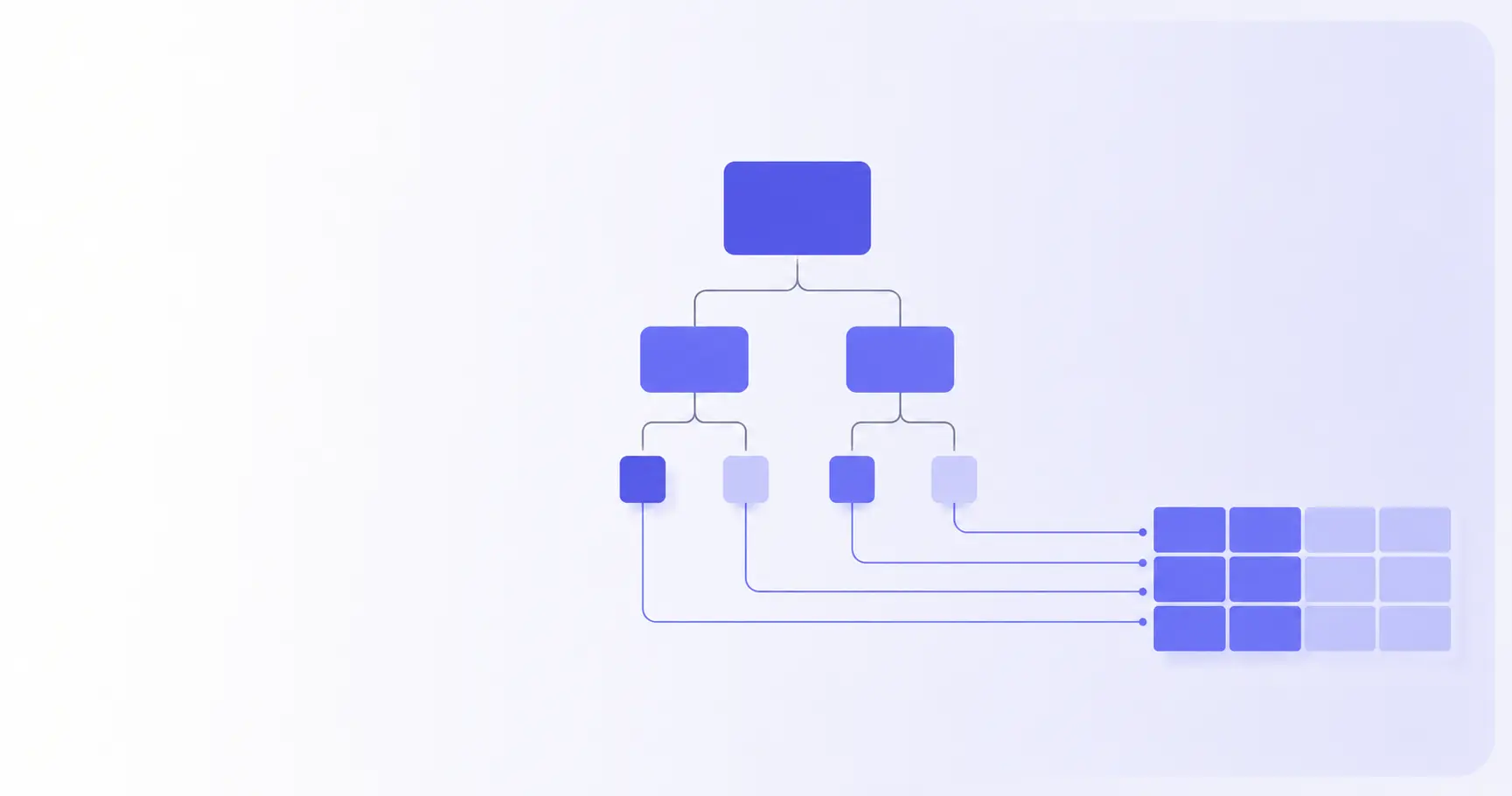
JSON to CSV: How to Flatten Nested Objects Without Breaking the Data
Converting JSON to CSV is trivial until the data nests. An API returns objects inside objects, arrays inside those, and the flat grid CSV expects has nowhere to put them. Naive converters respond by dropping branches or writing [object Object] into cells. This guide covers the flattening rules that keep every value — and the quoting rules that keep it readable in Excel.
TL;DR
- CSV is a flat grid; JSON is a tree. Flattening is the whole job.
- Dotted-path keys (
address.city) turn one nested object into columns. - Arrays either join into a cell, index into columns, or explode into rows.
[object Object]means a converter coerced instead of flattening.- Quote any field containing a comma, quote, or newline — per RFC 4180.
How to convert JSON to CSV
The conversion is three steps, and skipping the middle one is what breaks most exports.
The shape CSV expects
CSV holds one record per line and the same number of fields on every line. That is the entire data model — no nesting, no types, no repeated groups. A CSV file has an optional header line, and the RFC 4180 definition of the format says that header should contain the same number of fields as the records below it. Every JSON structure has to be squashed into that rectangle before a single byte gets written.
Why nested objects have no CSV equivalent
Take one record from a typical API:
{
  "id": 1,
  "name": "Ada",
  "address": { "city": "London", "zip": "E1 6AN" },
  "tags": ["admin", "beta"]
}
Four keys, but only two of them are scalars. address is a subtree; tags is a list. CSV has one slot per column, so both need a decision before they can be written. The decision is yours — a converter that makes it silently is a converter that loses data.
The three-step conversion, in order
- Normalise the top level. CSV needs an array of records. If your JSON is a single object, wrap it. If the records sit under a key like
dataoritems, drill into that first. - Flatten each record into a map of scalar values keyed by path.
- Build the header from the union of every record's keys, then write rows in that key order, quoting where required.
Do step 3 before step 2 and you get ragged rows: the first record defines the columns, and any key that only appears in record 900 is silently dropped.
How to flatten nested JSON objects into CSV columns
Flattening means converting a path through the tree into a single column name.
Dotted-path keys: address.city instead of address
Walk each object depth-first. Every time you descend into a child object, append the child key to the path with a separator. When you hit a scalar, emit path → value. The record above becomes:
id            → 1
name          → Ada
address.city  → London
address.zip   → E1 6AN
The dot is a convention, not a standard — pandas uses it by default and exposes it as the sep argument on json_normalize, which also takes a max_level if you want to stop descending at a given depth. Pick a separator your keys do not already contain. If your API returns keys with dots in them, switch to __ or / rather than producing ambiguous headers.
How to handle arrays in a JSON to CSV conversion
Arrays are the genuinely hard part, and there is no single right answer — only three defensible ones:
| Strategy | Output for tags: ["admin","beta"] |
Best for |
|---|---|---|
| Join | one cell: admin;beta |
short scalar lists |
| Index | tags.0, tags.1 columns |
fixed-length tuples |
| Explode | two rows, one tag each | arrays of objects |
Joining is the sane default for tags, roles, and labels. Use a delimiter that is not your CSV delimiter — a semicolon or a pipe — otherwise the join creates fields that need quoting and readers who split on commas get garbage.
Indexing works when the array length is stable, like a coordinate pair. It falls apart on user-generated lists: one record with 40 tags gives every other row 39 empty columns.
Exploding is right when the array holds the records you actually care about. An order with three line items becomes three CSV rows, with the order-level fields repeated on each. This is what pandas calls record_path plus meta — the path to the list, and the parent fields to carry down onto every row.
Why the header must be the union of every record's keys
JSON is not schema-bound. Record 1 can have address.zip, record 2 can omit it, and record 3 can have address.zip2 that nobody expected. Collect every path from every record, sort them, and use that as the header; write an empty field where a record has no value at that path. This costs one extra pass over the data and eliminates the most common conversion bug — columns shifting halfway down the file because a record was missing an optional branch.
Why does my CSV show [object Object]
This is the single most reported JSON-to-CSV symptom, and it has one cause.
The coercion behind it
If a converter reaches a nested object and passes it to JavaScript string conversion, the default Object.prototype.toString result is what lands in the cell:
String({ city: "London" });
// "[object Object]"
Nothing was read, nothing was flattened, and the data is gone. Seeing it in an export means the tool never had a flattening step at all — no configuration will fix it, only a different tool.
JSON-in-a-cell: when stringifying is the right answer
Sometimes the nested value is genuinely irregular — an arbitrary metadata blob, or a payload whose keys differ per record. Flattening those produces hundreds of near-empty columns. The better move is to serialise the whole subtree into one cell:
row["metadata"] = JSON.stringify(record.metadata);
The cell now contains {"plan":"pro","seats":4}, which contains commas and quotes and therefore must be quoted and escaped. That is legal CSV and it round-trips cleanly. Keep it to genuinely opaque values; do not use it as an excuse to skip flattening the columns people will actually filter on.
Numbers, nulls, booleans, and dates
CSV has no types — every cell is text — so each JSON type needs an explicit rendering decision:
| JSON value | Naive output | Recommended cell |
|---|---|---|
null |
null or undefined |
empty field |
true |
true |
true (keep lowercase) |
1.0 |
1 |
1.0 if precision matters |
"007" |
007 |
quote it, or Excel eats the zeros |
The last row bites people constantly. A string of digits — a zip code, a phone number, a 19-digit Twitter-style ID — is text in JSON and a number to Excel, which strips leading zeros and rounds anything past 15 significant digits. Quoting does not fully prevent it either; if the recipient is opening the file in a spreadsheet, prefix such values or hand them an .xlsx instead.
How to convert JSON to CSV in Python, JavaScript and jq
Three environments, three idioms worth knowing.
Python: json_normalize then to_csv
import pandas as pd, json

with open("users.json") as f:
    data = json.load(f)

df = pd.json_normalize(data, sep=".")
df.to_csv("users.csv", index=False)
For an array nested inside each record, name the path and the fields to carry down:
df = pd.json_normalize(
    data,
    record_path="counties",
    meta=["state", ["info", "governor"]],
)
Each county becomes a row; state and info.governor repeat on every row that came from the same parent.
JavaScript: flatten in the browser
A depth-first walk is about ten lines:
function flatten(obj, prefix = "", out = {}) {
  for (const [k, v] of Object.entries(obj)) {
    const key = prefix ? `${prefix}.${k}` : k;
    if (v && typeof v === "object" && !Array.isArray(v)) {
      flatten(v, key, out);
    } else if (Array.isArray(v)) {
      out[key] = v.join(";");
    } else {
      out[key] = v ?? "";
    }
  }
  return out;
}
Run it over every record, union the keys, then write rows. The whole thing works on a File object read with FileReader, which is why this conversion never needs a server.
Command line: jq for one-off exports
The jq manual documents @csv, which takes an array and renders it as CSV with quotes escaped by repetition — exactly the RFC 4180 rule:
jq -r '(.[0] | keys_unsorted) as $k
       | $k, (.[] | [.[$k[]]])
       | @csv' users.json
That emits the header then the rows. It assumes flat records and consistent keys, which makes it perfect for API responses you already understand and risky for data you have not inspected.
What breaks when you open the CSV in Excel
Getting valid CSV out is half the job; the other half is what the recipient sees.
Quote anything with a comma, quote, or newline
Fields containing commas, double quotes, or line breaks must be wrapped in double quotes, and a quote inside a quoted field is escaped by doubling it — "b""bb". That is the rule the format has followed since RFC 4180 documented it in 2005, and every serious parser implements it. A JSON string that contains a newline is completely legal, so this is not an edge case in JSON-sourced data; it is Tuesday.
CSV injection: the export-side risk
A cell whose text begins with =, +, -, or @ may be treated as a formula when the file is opened in a spreadsheet. OWASP tracks this as CSV injection, also called formula injection, and notes that Excel can strip escaping characters when a file is saved and reopened, reactivating a formula that was previously neutralised. If your JSON contains user-supplied strings — display names, bios, support-ticket bodies — assume at least one of them starts with one of those characters.
Encoding, and why your first column name looks wrong
Write UTF-8. If the file is destined for Excel on Windows, a leading byte-order mark is what makes accented and CJK characters render correctly. The cost is that non-BOM-aware parsers read the first header as id instead of id — which is why a round-trip back into JSON sometimes produces one key nobody can match on.
Doing it without uploading the file
JSON exports are usually the most sensitive files a team moves around: user tables, order histories, support transcripts. Pasting one into a server-side converter hands the whole payload to someone else's logs.
- iKit's CSV ↔ JSON Converter runs the parse and the write in your browser — no upload, no account.
- JSON Decoder is worth a pass first if the source file is minified or you are not sure it is valid.
- SQL Converter covers the case where the data starts as a
CREATE/INSERTdump and needs to land in a spreadsheet. - Diff Checker is the fastest way to verify a round-trip: convert back to JSON and compare against the original.
Verifying a tool is really client-side takes ten seconds: open DevTools, switch to the Network tab, run the conversion, and confirm nothing was posted.
References
- RFC 4180 — Common Format and MIME Type for Comma-Separated Values (CSV) Files — quoting, escaping and header rules cited throughout, including the doubled-quote escape.
- CSV Injection | OWASP Foundation — the formula-injection characters and the note that Excel can undo escaping on save.
- pandas.json_normalize documentation —
sep,max_level,record_pathandmetabehaviour used in the Python examples. - jq 1.8 Manual —
@csvoutput format andflattensemantics for the command-line example.
Related on iKit
- CSV to JSON: the complete guide for developers — the same conversion in reverse, covering delimiter detection, BOM traps and type inference on the way in.
- How to convert SQL dumps to Excel in under 30 seconds — when the tabular data starts as a database dump rather than an API response.
- JSON decode online: decode vs parse vs validate — worth running before a conversion, because "it parsed" is not the same as "it is the shape you expect".
- How to format ugly JSON in 3 methods — pretty-print the source file first so you can actually see the nesting you are about to flatten.
- How to compare two JSON files without false diffs — for verifying that JSON → CSV → JSON round-tripped without losing a branch.
Related posts
Classroom Timer: Fullscreen Countdowns for Teachers (2026)
A classroom timer has to be readable from the back row, stay awake and make a noise. Here is the fullscreen browser setup that does all three.
HIIT Timer Setup: Tabata, EMOM and AMRAP in the Browser (2026)
A HIIT timer you can run from one browser tab: Tabata 20/10, EMOM and AMRAP explained, plus why 20-second intervals break most online timers.
Kitchen Timer Online: 12 Recipe Presets in One URL (2026)
A kitchen timer online beats the one-at-a-time timer on your phone. Twelve recipe presets, all bookmarkable links, plus the browser APIs that keep them honest.