Privacy-First CSV Conversion: Don't Upload Customer Lists (2026)
Privacy-first CSV conversion explained: what really happens when you upload a customer list to an online converter, and how to verify a tool is client-side.
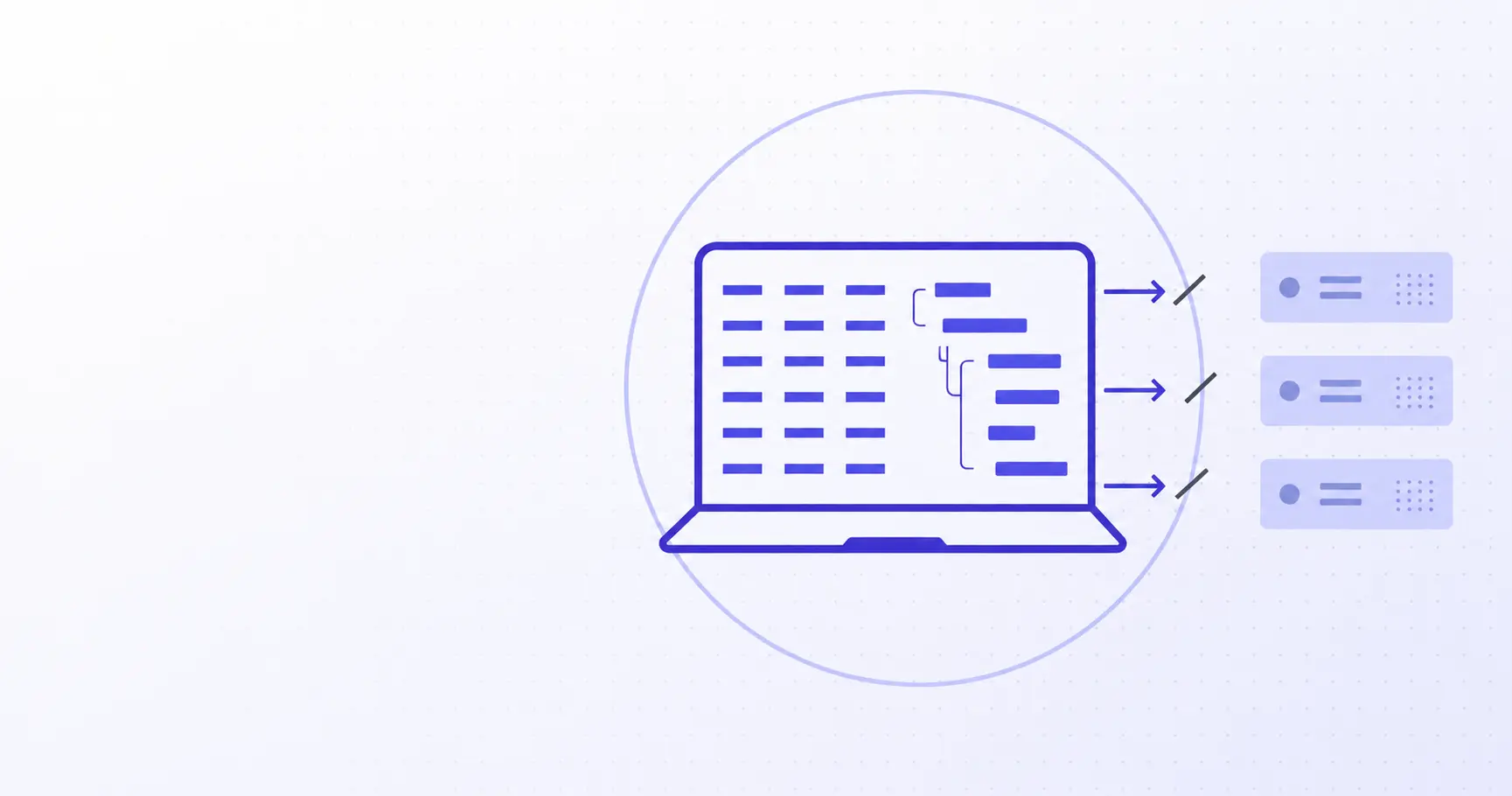
Privacy-First CSV Conversion: Don't Upload Customer Lists
Someone on your team needs a JSON version of a customer export. They search "csv to json", paste 40,000 rows of names, emails and phone numbers into the first result, and copy the output. That took ninety seconds and created a data transfer nobody logged, to a company nobody vetted. Privacy-first CSV conversion means the file never leaves the machine — and you can verify that claim yourself in about a minute.
TL;DR
- Uploading a customer CSV makes the tool a data processor under GDPR Article 28.
- Free converters rarely offer a data processing agreement, only terms of service.
- Verify client-side claims in DevTools: no request body, no upload, no problem.
- Browsers read local files via the File API — conversion needs no server at all.
- If you already uploaded, treat it as a potential breach and document it.
What actually happens when you upload a CSV to an online converter
The interaction feels local. You pick a file, a spinner runs, results appear. Underneath, most converters do something quite different.
The request that leaves your machine
A server-side converter serializes your file into a multipart/form-data POST and ships the whole thing over the wire:
POST /api/convert HTTP/1.1
Host: some-converter.example
Content-Type: multipart/form-data;
  boundary=----Boundary7MA4YWx
Content-Length: 4182937

------Boundary7MA4YWx
Content-Disposition: form-data;
  name="file"; filename="customers-q3.csv"
Content-Type: text/csv

id,first_name,last_name,email,phone,mrr
1041,Ana,Ferreira,[email protected],+351...
Every byte of that file is now on a machine you do not administer, in a jurisdiction you did not choose. TLS protects it in transit; it does nothing about what happens after the request lands.
Where the file goes after the response
Once the response is sent, your file is still somewhere. Typically: a temp directory pending a cleanup cron, a request log, an error tracker that captured a stack trace with a row of sample data attached, a CDN cache if the download link was public, and a nightly backup that retains all of it for thirty days. "We delete files after one hour" describes the temp directory, not the other five copies.
Sub-processors you never agreed to
A converter that runs on a cloud provider, uses a managed queue, and pipes errors to a monitoring SaaS has three sub-processors. The GDPR's Article 28 requires a processor to obtain written authorisation before engaging another processor, and to bind that sub-processor to the same obligations. None of this happened, because you never signed anything.
Is it a GDPR breach to paste customer data into an online tool?
Not automatically — but the legal structure it creates is one most teams would not sign off on if they read it first.
Why you become the controller and the tool becomes a processor
The roles are decided by function, not by paperwork. The ICO's guidance on controllers and processors defines a controller as the body that determines the purposes and means of processing, and a processor as one that processes personal data on the controller's behalf. You decided to convert the file and why; the converter did it for you. You are the controller. It is your processor. That is true whether or not either party intended it.
The Article 28 contract you probably don't have
Article 28(3) requires that processing by a processor be governed by a written contract setting out the subject matter, duration, nature and purpose of processing, the categories of data subjects, and specific commitments: process only on documented instructions, bind staff to confidentiality, implement Article 32 security measures, assist with data subject rights, and delete or return the data at the end of the service.
A free tool's terms of service is not that contract. It usually grants the operator a licence to process what you submit, which is close to the opposite.
Cross-border transfers and the paperwork nobody filed
If the converter runs outside the EEA and no adequacy decision or standard contractual clauses cover the route, Chapter V of the GDPR is in play too. The awkward part is not the fine — it is that during an audit you cannot answer basic questions. Which files went where, on what date, under which agreement? Nobody knows, because the transfer happened inside a browser tab and left no record.
| Question an auditor asks | Server converter | Client-side converter |
|---|---|---|
| Where was the data processed? | Unknown vendor infra | The employee's laptop |
| Is there a DPA in force? | Almost never | Not required |
| How long was it retained? | Per vendor policy | Until tab close |
How to check if a CSV converter runs in your browser
Any tool can print "100% private, files never leave your device" on its landing page. Two tests settle it in under a minute.
Open DevTools and watch the Network panel
Load the page, press F12, switch to the Network panel and clear the log. Now select your file and run the conversion. Per the Chrome DevTools network documentation, every request made while DevTools is open is recorded in the requests table, with its size and payload.
What you are looking for: any request whose payload size is roughly the size of your file. A client-side tool produces nothing — or, at most, a few kilobytes of analytics. A server tool produces a multi-megabyte POST that is impossible to miss.
Two things that look suspicious but are fine: a WebAssembly module downloading on first use, and font or script requests. Those are downloads. You are watching for uploads.
Turn off your network and try again
The stronger test, because it cannot be faked. Load the page, then set DevTools' throttling to Offline — or just pull the Wi-Fi. Convert the file.
A genuinely client-side tool works normally, because everything it needs is already in the page. A server tool fails with a network error. This test also catches the middle case: tools that do the visible work locally but quietly POST a "sample" for analytics.
What a real client-side converter looks like in code
There is no clever trick involved. The browser has read local files natively for over a decade through the File API, which exposes user-selected files as File objects with text(), stream() and arrayBuffer() methods. A minimal CSV-to-JSON path is about ten lines:
const input = document.querySelector('input[type=file]');

input.addEventListener('change', async () => {
  const [file] = input.files;
  const text = await file.text();

  const [head, ...rows] = text.trim().split(/\r?\n/);
  const keys = head.split(',');

  const json = rows.map((row) => {
    const cells = row.split(',');
    return Object.fromEntries(
      keys.map((k, i) => [k, cells[i]])
    );
  });

  console.log(json.length, 'rows parsed locally');
});
That snippet is deliberately naive about quoting — real CSV needs a proper parser for embedded commas, quoted newlines and escaped quotes. The point is the absence of fetch(). There is no network call because there is nothing to send. iKit's CSV ↔ JSON converter uses the same primitives with a spec-compliant parser behind them.
What client-side CSV conversion actually costs you
Being honest about the trade-off is more useful than pretending there isn't one.
File size limits and memory
Reading a file with file.text() materialises the whole thing as a JavaScript string, which for CSV means roughly two bytes of memory per byte on disk. A 50 MB export is comfortable on a modern laptop. A 2 GB export is not — that belongs in a local script or a database import, not a browser tab. Streaming parsers push the ceiling higher by processing rows incrementally, but a browser tab will never be the right tool for genuinely enormous files.
Features you genuinely lose
- Scheduled jobs. No server means no cron. Recurring conversions need a real pipeline.
- Shared links. There is no output URL to send a colleague; you send the file.
- Server-side validation. No API to call from CI — client-side tools are interactive by nature.
- Cross-device history. Nothing is stored, so nothing syncs.
The trade-off in one table
| Concern | Upload-based tool | In-browser tool |
|---|---|---|
| Works offline | No | Yes |
| Practical file ceiling | Server-limited | Device memory |
| Needs a DPA | Yes | No |
| Automatable from CI | Yes | No |
For the overwhelmingly common case — a human converting one export, once — the in-browser column wins on every row that matters.
What to do if you already uploaded a customer list
Most teams reading this have done it at least once. The response is procedural, not dramatic.
Assess whether it's a reportable breach
Write down what was in the file: which columns, how many rows, whether any special-category data was included. NIST's Guide to Protecting the Confidentiality of Personally Identifiable Information is a practical framework for scoring impact by data type and context. Then apply the Article 33 test: is there a risk to the rights and freedoms of the individuals concerned? If yes, controllers have 72 hours from becoming aware to notify the supervisory authority.
Rotate what can be rotated
Exports are messier than people remember. Check the file for API keys, invite tokens, temporary passwords and internal record IDs, and rotate anything rotatable — a strong generated secret takes seconds and closes the easiest follow-on attack. Names and email addresses cannot be rotated, which is exactly why the file mattered.
Fix the workflow
The durable fix is removing the reason anyone reached for a random converter. Bookmark a client-side tool for the everyday cases — CSV ↔ JSON for exports and API payloads, SQL → Excel for database dumps, JSON Decoder for inspecting the result — and say so in your onboarding docs. People take the shortest path available; make the private path the shortest one.
References
- Regulation (EU) 2016/679 (GDPR) — consolidated text; used for Article 28 processor obligations, Article 32 security measures and Article 33 breach notification.
- What are 'controllers' and 'processors'? — ICO — definitions and worked examples used for the controller/processor split.
- File API — MDN Web Docs —
File,BlobandFileReaderbehaviour behind the in-browser code sample. - File API — W3C Working Draft — the specification MDN documents; checked for the local-read guarantees.
- Inspect network activity — Chrome DevTools — Network panel recording and offline throttling used in the verification steps.
- NIST SP 800-122: Guide to Protecting the Confidentiality of PII — impact-assessment framing for the post-incident section.
Related on iKit
- Start with the full CSV to JSON walkthrough — the end-to-end conversion guide this article's privacy argument sits on top of.
- Decide whether your data belongs in CSV or JSON at all — choosing the right format up front reduces how often you convert anything.
- Flatten nested JSON into CSV without losing structure — the reverse direction, with the same no-upload guarantee.
- Convert an XLSX workbook to JSON entirely in the browser — spreadsheets carry the same customer data CSVs do, and need the same handling.
- Understand the CSV edge cases most tools get wrong — why the naive split-on-comma parser above is not good enough for production.
- Fix garbled CJK characters in Excel with a UTF-8 BOM — the encoding problem that sends people looking for a cloud converter in the first place.
- Work out why European Excel exports use semicolons — locale-driven delimiters, another reason exports refuse to open cleanly.
- Stop your CSV importer turning "42" into a number — type inference bugs that corrupt IDs and phone numbers during conversion.
- Turn a SQL dump into a spreadsheet without a server — database exports are the most sensitive files in this whole category.
Related posts
Privacy-First Color Tools: Why Cloud Pickers Leak (2026)
Privacy-first color tools keep brand assets on your machine. Here is how to test whether an online color picker uploads your image, and why it matters.
Privacy-First Diff Checking: Why Server Tools Leak Code (2026)
A privacy-first diff checker runs in your browser so pasted code never leaves your machine. Here is why server-side diff tools are a real leak.
alg: none JWT Vulnerability: Why It Still Bites in 2026
The JWT alg: none vulnerability lets attackers forge tokens without a secret. Here's how the exploit works and why libraries still trip on it in 2026.