Unix Timestamp Explained: 10-Digit Numbers in Your Logs (2026)
A Unix timestamp is the 10-digit number in every log line — here's what it means, why timezones don't apply, and how to convert it without bugs in 2026.
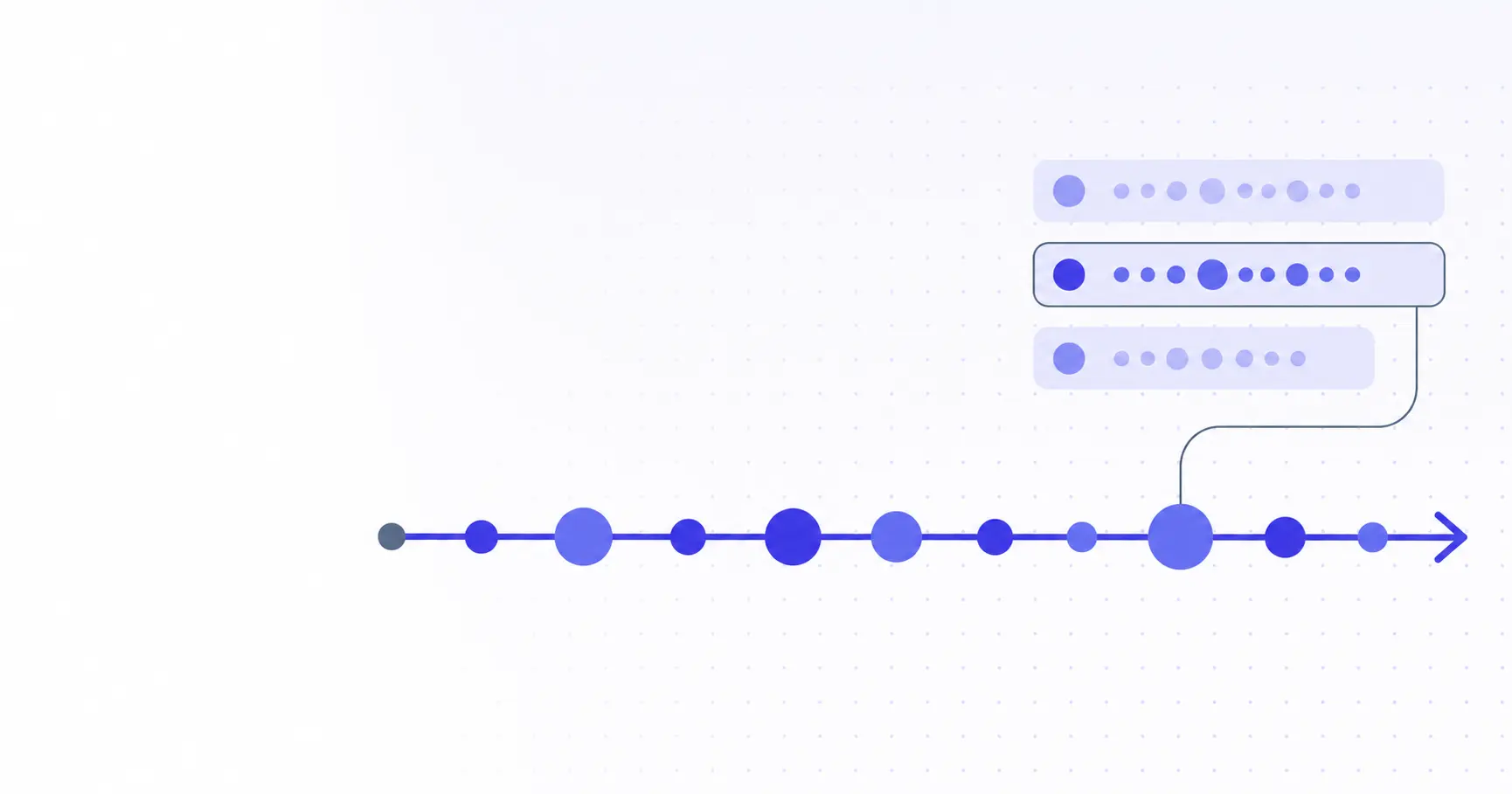
Unix Timestamp Explained — The 10-Digit Number in Your Logs
You open a Stripe webhook payload, a Kubernetes audit log, and a SQL row from your auth table. Every one of them has a field called created_at or timestamp set to something like 1747008000. No timezone, no formatting, just ten digits. That number is a Unix timestamp — the most boring and most useful integer in computing — and once you can read it on sight, half of debugging time-related bugs disappears.
TL;DR
- A Unix timestamp counts seconds since 1970-01-01 00:00:00 UTC, ignoring leap seconds.
- 10 digits = seconds (server, SQL, Bash); 13 digits = milliseconds (JavaScript, Java).
- Timestamps have no timezone — they describe one instant on Earth, not a wall-clock time.
- The Year 2038 problem hits 32-bit signed counters; modern OS kernels are already 64-bit safe.
- Convert any timestamp instantly, in your browser, with the iKit Unix Timestamp Converter.
What a Unix Timestamp Actually Is
A Unix timestamp is not a clock-time, not a date, and not a string. It is a single integer that tells you how many seconds have passed since one specific instant — 1970-01-01 00:00:00 UTC, called the epoch. Every device that respects POSIX time agrees on what 1747008000 means down to the second, regardless of where on Earth it's running. That property is what makes it the lingua franca of logs, databases, and APIs.
The 1970-01-01 epoch
The epoch was chosen by the original Unix authors at Bell Labs in the early 1970s — close to the present day at the time, comfortably after every common business event of the modern era, and a round number that makes mental math just slightly easier. Time before the epoch is represented as a negative integer, which is legal but rare in production data. Almost every timestamp you'll meet in the wild is a positive value somewhere between roughly 1000000000 (September 2001) and 2000000000 (May 2033).
Why it's almost always counted in seconds
POSIX defines time_t — the C type used to hold a Unix timestamp — as "a value representing the number of seconds since the epoch." Bash's date +%s, Python's time.time() (whole-number portion), Go's time.Now().Unix(), PHP's time(), MySQL's UNIX_TIMESTAMP(), and Postgres's extract(epoch from now()) all return seconds. If a 10-digit number arrives and you don't know what it is, treat it as seconds first and you'll be right almost every time.
What the digit count tells you about scale
The digit count of the integer is your fastest sanity check. A 10-digit number is seconds and will sit in the years 2001–2286. A 13-digit number is milliseconds — JavaScript's Date.now(), Java's System.currentTimeMillis(). A 16-digit number is microseconds, common in trace systems like OpenTelemetry. A 19-digit number is nanoseconds, the format Go's time.Now().UnixNano() and Postgres's pg_logical_emit_message use.
| Digits | Unit | Common source |
|---|---|---|
| 10 | seconds | SQL, Bash, Go Unix(), most APIs |
| 13 | milliseconds | JavaScript Date.now(), Java |
| 16 | microseconds | OpenTelemetry traces, Python time_ns()/1e3 |
| 19 | nanoseconds | Go UnixNano(), Postgres internals |
Reading Real Unix Timestamps from the Wild
The fastest way to internalise the format is to walk through a few you might genuinely see in a debugging session — a log line, a JWT, and a JavaScript console — and translate each one back to a human date.
A 10-digit timestamp from a log line
Here's a Kubernetes-style log entry produced by a Go service. The ts field is a Unix timestamp in seconds, exactly what you'd expect from time.Now().Unix():
{
  "level": "error",
  "ts": 1747008000,
  "msg": "auth: token expired"
}
Drop 1747008000 into any converter and you get 2026-05-12 00:00:00 UTC. The error fired exactly at midnight UTC on the day this article was published. If the same incident is logged by three services in three regions, every one of them will record 1747008000 for that instant — that's the appeal of an integer time format.
A 13-digit timestamp from JavaScript
Open DevTools and run Date.now(). You'll see something like 1747008000000 — the same instant in milliseconds. When this value gets logged into a tool that expects seconds, the converter will report a date roughly 55,000 years in the future. The fix is always the same: divide by 1000.
// JavaScript milliseconds → human date
const tsMs = 1747008000000;
const tsSec = Math.floor(tsMs / 1000);
new Date(tsSec * 1000).toISOString();
// "2026-05-12T00:00:00.000Z"
If you need to share this value with a backend that takes seconds — most REST APIs, all SQL databases — convert at the boundary. The mistake is letting a 13-digit value travel further into the system than it should. That's how you end up with a created_at column where half the rows are in 1970 (millisecond values truncated) and half are in 56000 AD (second values misinterpreted as milliseconds).
A timestamp inside a JWT
JWT standard claims iat (issued-at) and exp (expiry) are always Unix seconds — defined that way in RFC 7519. When a token 401s, the first move is to drop it into the iKit JWT Decoder and read exp. We covered the full decoding workflow in How to Decode a JWT in 2026, but the timestamp piece is worth isolating here:
{
  "sub": "user_42",
  "iat": 1747008000,
  "exp": 1747011600
}
exp - iat = 3600 — a one-hour token. Compare exp against Math.floor(Date.now() / 1000) and you know in one line whether the token is still valid. If your code accidentally compares exp against Date.now() directly, every token will appear to have expired in 1970, and your service will start 401-ing for entirely the wrong reason.
Converting Without Timezone Bugs
A Unix timestamp is timezone-free, but the moment you turn it into a printable string you're picking a timezone. Picking the wrong one is the source of most "the date in our dashboard doesn't match the date in our database" tickets.
Same task, four languages
Here are four equivalent ways to convert 1747008000 to a human-readable UTC string. Pin these to a wiki page and your team will thank you the first time someone has to debug a cross-stack timestamp bug.
# Bash (GNU date)
date -u -d @1747008000 "+%Y-%m-%d %H:%M:%S"

# Python 3
import datetime as dt
dt.datetime.fromtimestamp(
  1747008000, tz=dt.timezone.utc
)

# JavaScript
new Date(1747008000 * 1000).toISOString();

# PostgreSQL
SELECT to_timestamp(1747008000)
       AT TIME ZONE 'UTC';
All four return the same instant: 2026-05-12 00:00:00 UTC. Notice how each language requires you to opt in to UTC explicitly. Skip that opt-in and you get the host machine's local timezone, which is whatever the box happens to think — production Linux defaults to UTC, your laptop defaults to your physical location, your CI runner defaults to whatever the base image was built with.
The millisecond-vs-second trap
The single most common Unix timestamp bug is mixing seconds and milliseconds in the same code path. Here's a quick smell test you can run in your head:
- The timestamp's year is 1970 → you fed seconds-API a milliseconds value (off by 1000×).
- The timestamp's year is 56000+ AD → you fed milliseconds-API a seconds value.
- The timestamp's year is between 2001 and 2099 → probably correct.
Two cheap defences against this bug: enforce one unit at the boundary of every service (write _ms or _sec into the field name), and never store timestamps as plain integers in a database column whose type permits both. A column typed BIGINT accepts both interpretations silently. A column typed TIMESTAMPTZ (Postgres) or DATETIME (MySQL) does not.
Why UTC is the only safe storage timezone
Store timestamps in UTC. Format them in the user's timezone at render time. That single rule prevents an entire class of bug: DST transitions silently shifting log entries by an hour, "midnight" rollups landing on the wrong calendar day for half your users, and "the report ran at 9pm" being technically true in three different timezones simultaneously.
If a JSON payload arrives without a timezone — for example, the dreaded "2026-05-12T00:00:00" with no Z and no offset — treat it as broken input and reject it. Pretty-print the payload through the iKit JSON Decoder to surface the offending field quickly, and reference our JSON formatting deep-dive for the wider parsing workflow; ambiguous timestamps are the same kind of "almost-valid" data that breaks downstream parsers months later.
Edge Cases Every Developer Hits
Once you've internalised the basics, three edge cases account for almost every weird timestamp behaviour you'll meet in production: the Year 2038 problem, negative timestamps, and leap seconds.
The Year 2038 problem
A signed 32-bit integer can hold values from -2,147,483,648 to 2,147,483,647. Used as time_t, that gives a maximum representable instant of 03:14:07 UTC on Tuesday, 19 January 2038. Past that, the counter overflows to its most-negative value, which a date library will render as 13 December 1901.
Modern Linux kernels (5.10+), macOS, and Windows have all moved to 64-bit time_t, but embedded systems, old MySQL columns, and any C code with int instead of int64_t for time variables are still vulnerable. The fix is unglamorous but uniform: audit every long-lived data path for 32-bit signed timestamp arithmetic and widen it. The ext4 filesystem, for one, only added 64-bit timestamp support in 2014 — drives formatted before then can't store dates past 2038 even on a modern kernel.
Negative timestamps
Unix timestamps can be negative — -2208988800 represents 1900-01-01 — and most modern languages handle them correctly. The exception is Windows-derived APIs, which historically clamp negative time_t values at the epoch. If you're storing birthdays for a system that includes elderly users, or historical event timestamps, test the negative path explicitly. The bug is invisible until your oldest user logs in.
Leap seconds (and why most systems lie about them)
POSIX time, by spec, ignores leap seconds. There have been 27 of them since 1972, but Unix timestamps act as if every minute has exactly 60 seconds. The result is that POSIX time and TAI (atomic time) differ by 27 seconds in 2026. Most systems "smear" leap seconds — Google, Amazon, and Cloudflare each spread the inserted second over 24 hours so no clock ever reads :60.
For 99% of applications this doesn't matter. For high-frequency trading, GPS, satellite control, and astronomical software it matters a lot. If you ever build something where the answer to "exactly how many seconds elapsed between event A and event B" needs to be correct to one second over a year, switch to TAI or CLOCK_TAI and stop using POSIX time as the source of truth.
Related on iKit
- How to Decode a JWT in 2026 — Auth0 & Firebase Examples — JWT
iatandexpare Unix timestamps in seconds; this guide walks through reading both fields from real Auth0 and Firebase tokens. - How to Format Ugly JSON in 2026 — 3 Methods Compared — Most timestamps you'll meet in the wild arrive embedded in JSON payloads, so the formatting workflow in this post pairs naturally with timestamp decoding.
Related posts
encodeURIComponent vs encodeURI: When to Use Which (2026)
encodeURIComponent vs encodeURI trips up every JavaScript dev once — here's the actual rule, the characters each protects, and when to pick which in 2026.
Why Your URL Has Plus Signs: Form Encoding Explained (2026)
Why does your URL have plus signs instead of spaces? Form encoding explained — when + means space, when it means literal +, and the bug it causes.
How URL Encoding Works in 2026 (Component, URI, Form)
URL encoding looks simple until your API drops a plus sign. Here's the real difference between component, URI, and form encoding — with code, fixes, and 2026 rules.