Why I Built iKit: 14 Privacy-First Tools That Stay in Your Browser (2026)
iKit is 14 free online tools — none of them upload your files. Here's the story of why I built it that way, and what it means in practice for the people using it.
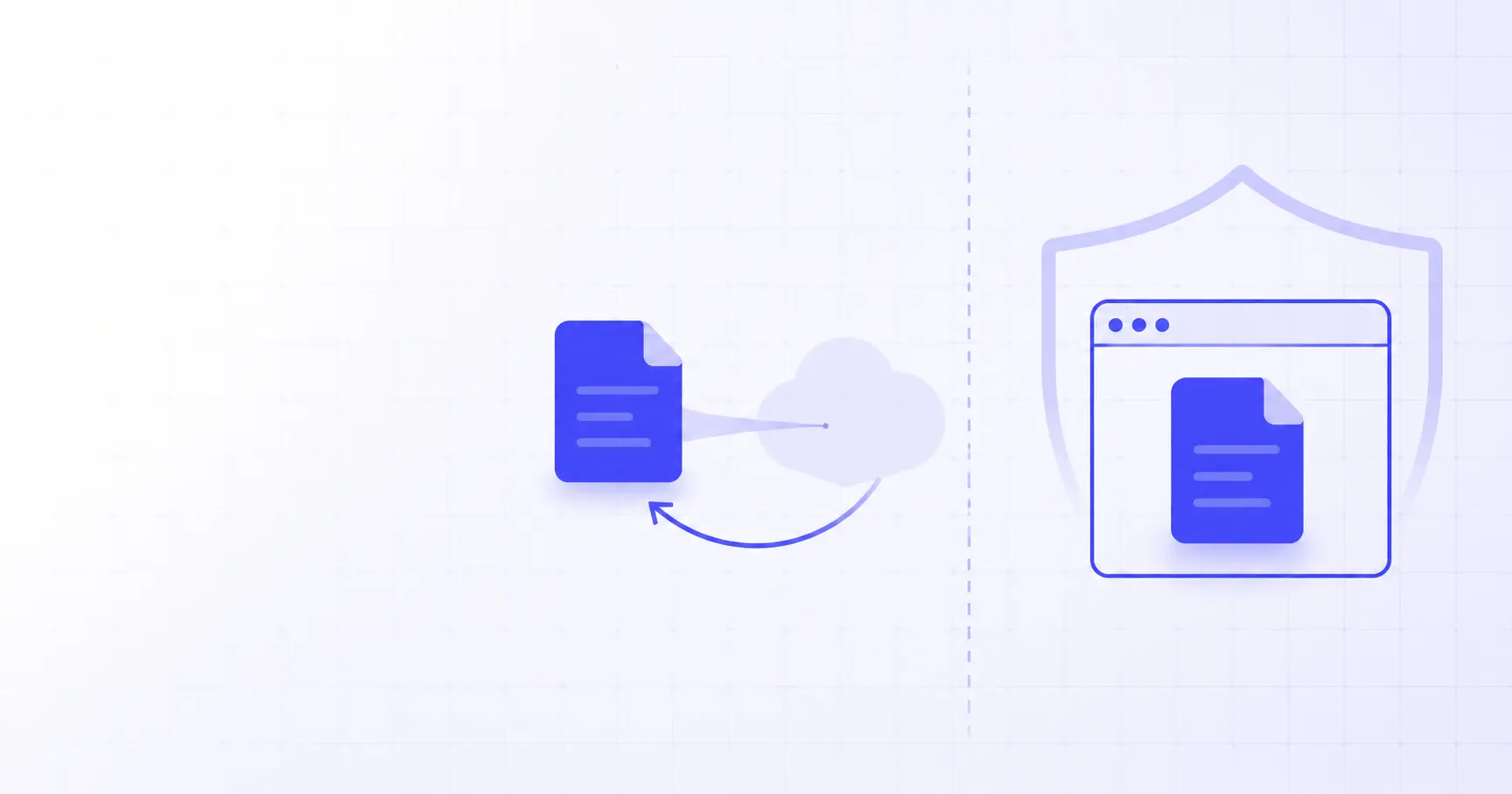
Why I Built iKit: 14 Privacy-First Tools That Stay in Your Browser
I had to compress 30 product photos. The third "free online image compressor" I tried asked for my email "to send the download link". The fourth wanted me to upgrade after 5 files. The fifth one had silently uploaded my customer photos to a server in some country I'd never heard of. I closed the tab and started building iKit that night.
TL;DR
- iKit is 14 free online tools — JSON, PDF, image, QR, password, hash, UUID, and more.
- Every tool runs in your browser — no upload, no signup, no daily cap.
- The pattern is now standard: WebAssembly, OffscreenCanvas, Web Crypto, and 4 GB of available browser memory mean we don't need servers for most utility tasks anymore.
- It's free without strings: no premium tier, no email harvesting, no account walls.
- Available in 25 languages with native translations and full RTL support.
The problem with "free" online tools
A search for any common task — "compress jpg online", "merge pdf free", "generate uuid" — returns thousands of results. They all look free at first glance. Click through and the patterns are familiar:
| Pattern | What's really happening |
|---|---|
| "Free, no signup" hero, then signup wall after upload | You're the product; the upload was the hook |
| 5 files free, then $9.99/month | Bait-and-switch; freemium funnel |
| Watermarks on output | Forces upgrade to paid |
| "Processing..." spinner for 30 seconds | File uploaded to server, queued behind other users |
| Email "to send your download" | Email harvested for retargeting / sale |
For files containing customer photos, exported customer data, signed contracts, or anything else that shouldn't end up on a stranger's server, this is more than annoying. It's a quiet but real privacy violation that the user has no realistic way to verify.
I wanted a single home for the boring everyday tools where this kind of theatre simply doesn't happen. That's iKit.
The architectural insight: browsers are powerful enough now
For the past 15 years, "online tool" has meant "I send my file to your server, you do work, you send the result back". That model exists because the browser used to be too weak to do real work — no file system, no native APIs, slow JavaScript engines, no concurrency.
That hasn't been true for a while.
The modern browser shipped to your phone in 2024 has:
- WebAssembly at near-native speed (within 10-20% of compiled C++)
- Web Workers for true parallel CPU
- OffscreenCanvas for GPU-accelerated image work off the main thread
- Web Crypto API with hardware-accelerated AES-256, SHA-256, and RSA
- File System Access API for direct disk reads on supported browsers
- 3-4 GB of usable memory per tab on most devices
This is enough to compress images, run AI models for background removal, parse and rewrite PDFs, encrypt files, and OCR scanned documents — all without ever sending the bytes to a server.
iKit is just the demonstration that you can ship 14 production-quality tools on top of that capability without the user even noticing the architecture is different. Same drag-and-drop, same outputs, same speed (often faster — no round-trip latency).
What "privacy-first" means concretely
I want to be specific, because "privacy-first" gets used as marketing language by companies that absolutely upload your data. Here's what it means for iKit, line by line.
No uploads
Open any iKit tool, then open your browser's DevTools and switch to the Network tab. Drop a file in. You will not see a single POST request leaving your machine while the tool runs. This is verifiable, not a claim.
No log lines tied to your operation
Because the operation never reaches a server, there's no log of what file you compressed, what JSON you parsed, or what UUID you generated. The only thing the server logs is "someone in country X loaded the homepage" — same as any static website.
No accounts, no email collection
There is no signup form on iKit. There is no account. There is no email field anywhere except the Contact page (which uses a server-side form because email-without-server is impossible). The tools simply don't need an identity.
No fingerprinting
We don't use browser fingerprinting libraries. We don't load Hotjar, FullStory, Mixpanel, or any session-replay tool. The only third-party JavaScript on iKit is Google Analytics 4 (with IP anonymisation) and Google AdSense for non-tracking display ads, both of which fire only after the user accepts cookie consent (Consent Mode v2).
No third-party API calls during use
When you're using a tool, your browser is not making API calls to a CDN, a captcha provider, an AI service, or a third-party translator. The only network traffic during a tool operation is the page load itself. Once the page is loaded, you can disconnect the network and most tools continue to work.
For a related deep-dive, see our piece on generating QR codes for Wi-Fi, vCards, and URLs — the QR generator never sends your payload anywhere.
What's actually in iKit (April 2026)
Fourteen tools, sorted by category. Each one is a distinct subdomain so you can bookmark just the one you use:
| Category | Tool | Subdomain |
|---|---|---|
| Dev | JSON Decoder | jsondecoder.ikit.app |
| Dev | UUID Generator | uuid.ikit.app |
| Dev | Hash Generator (MD5, SHA-256, etc.) | hash.ikit.app |
| Dev | Base64 Encoder / Decoder | base64.ikit.app |
| Dev | Password Generator | pwgenerator.ikit.app |
| Dev | Markdown Editor | mdeditor.ikit.app |
| Dev | QR Code Generator | qrcode.ikit.app |
| Image | Image Compressor (batch + ZIP) | imagecompressor.ikit.app |
| Image | Image Resizer (16 social presets) | imageresizer.ikit.app |
| Image | Background Remover (in-browser AI) | bgremover.ikit.app |
| Image | App Icon Generator (iOS / Android / Web) | appicon.ikit.app |
| Data | SQL Converter (CREATE+INSERT → .xlsx) | sqlconverter.ikit.app |
| Data | PDF Tools (26 sub-tools: merge, split, OCR, sign, ↔Word/Excel/PPT/HTML, …) | pdf.ikit.app |
| Hub | iKit (this page) | ikit.app |
Each tool is built on the same stack but ships only the JavaScript it needs. The Background Remover is ~7 MB because the AI model is bundled; the JSON Decoder is ~80 KB because it just needs a parser and a tree renderer. You don't pay the cost of tools you don't use.
A worked example: image compression
To make the architecture concrete, here's exactly what happens when you compress an image on imagecompressor.ikit.app:
1. You drop a 4.2 MB JPEG onto the dropzone.
2. The browser reads it via FileReader.readAsArrayBuffer()
   → 4.2 MB of bytes now in JavaScript memory.
3. The bytes are decoded by createImageBitmap()
   → an ImageBitmap object you can draw to canvas.
4. We draw the bitmap to an OffscreenCanvas at the chosen
   target resolution (resampling happens on GPU).
5. canvas.convertToBlob({ type: 'image/jpeg', quality: 0.75 })
   → a new compressed Blob, typically 30-70% smaller.
6. URL.createObjectURL(blob) → a virtual URL to that Blob.
7. We programmatically click an <a download> with that URL,
   the browser saves the file to your Downloads folder.
Steps 2–6 happen in maybe 200 ms. There is no fetch(), no XMLHttpRequest, no WebSocket. The compressed image was never anywhere except your machine.
For the full story, see How to compress 20 images to a single ZIP in 30 seconds — it walks through the batch flow.
What about features that genuinely need a server?
There are a few. They're called out clearly when you encounter them:
- Contact form: a server-side form that emails me. There's no way to email-without-a-server, so this one accepts that trade-off.
- OG image scraping in HTML-to-PDF (when you paste a URL): we use a public read-only proxy because browsers can't fetch arbitrary cross-origin pages. You can also paste the HTML source instead, which is fully client-side.
- Sitemap, blog index, language switching: regular Laravel pages. The dynamic part of iKit (this blog, the homepage, the contact page) is server-rendered HTML; the tools themselves are client-side.
That's it. Everything else — every actual tool you use — runs in your browser.
Why the multi-language approach matters
iKit is available in 25 languages with native translations (not Google Translate). This was a deliberate choice. Most utility tools are English-only and silently expect their users to be too. That excludes maybe 80% of internet users from a properly localised experience for tools they need to use anyway.
Translation work is real work. We get the most engagement out of Persian, Turkish, Russian, Japanese, and Brazilian Portuguese — markets that are used to "good enough" English UIs but click much more on a native one. The translated UI strings are stored in lang/{locale}.json and the same tool ships everywhere.
If you're curious how a small team handles 25 languages without going broke, that's a separate post.
What's next
iKit is ~3 months old as I write this. The plan for the next 6 months:
- Stay free, stay client-side. The architecture is the product.
- Add ~3 tools per quarter based on Search Console signal — not what I want to build, what people are actually searching for.
- Open-source the boring infrastructure — the i18n loader, the metrics collector, the privacy-first analytics shim. The tools themselves stay closed for now because the polish is the differentiator.
- Improve the languages with the highest engagement first (Persian, Turkish, Russian) instead of perfecting all 25 in lockstep.
That's the project. If something on iKit saved you 30 seconds today, that's the whole point.
References
- WebAssembly — The portable binary format that lets compiled C/C++/Rust libraries run inside the browser.
- Web Crypto API — MDN — The browser-native primitives behind iKit's hashing, password, and UUID tools.
- OffscreenCanvas — MDN — Off-main-thread canvas used by the image compressor and resizer.
Related on iKit
- How iKit runs entirely in your browser — the technical deep-dive on the WebAssembly, OffscreenCanvas, and Web Crypto APIs behind the privacy claims here.
- The architecture behind 14 client-side tools — how the 14 tools ship as independent apps with shared conventions and 25-language i18n.
- How to compress 20 images to a ZIP in 30 seconds — the worked example from this post, written up as a proper how-to with screenshots and limits.
- Generate every app icon size from one source — one of the most-used tools on iKit, generating every iOS, Android, and web icon size in your browser.
- Encode and decode Base64 with real examples — a classic developer utility, run entirely client-side like everything else on iKit.
Related posts
OKLCH Color Ramp: Build a Perceptually Uniform Scale (2026)
Build an OKLCH color ramp where every step looks evenly spaced. A practical 2026 guide to lightness stepping, chroma tapering, and gamut safety.
How to Count Words in a Translation Pair Correctly (2026)
The source and target of a translation pair almost never have the same word count. Here's how to count both sides correctly, including CJK, in 2026.
How to Hit a 1,000-Word Target Without Padding (2026)
Need to hit a 1,000-word target without padding? Plan the structure, budget each section, and reach the count with writing that earns every word.