How iKit Runs Entirely in Your Browser — A Technical Deep-Dive (2026)
A technical look at how every iKit tool processes your files locally — WebAssembly, OffscreenCanvas, Web Crypto, and the patterns that replace server round-trips.
How iKit Runs Entirely in Your Browser — A Technical Deep-Dive
When I tell developers that iKit's image compressor doesn't touch a server, the first reaction is usually surprise, then "wait, how does that actually work?" This post is the long-form answer to that question.
TL;DR
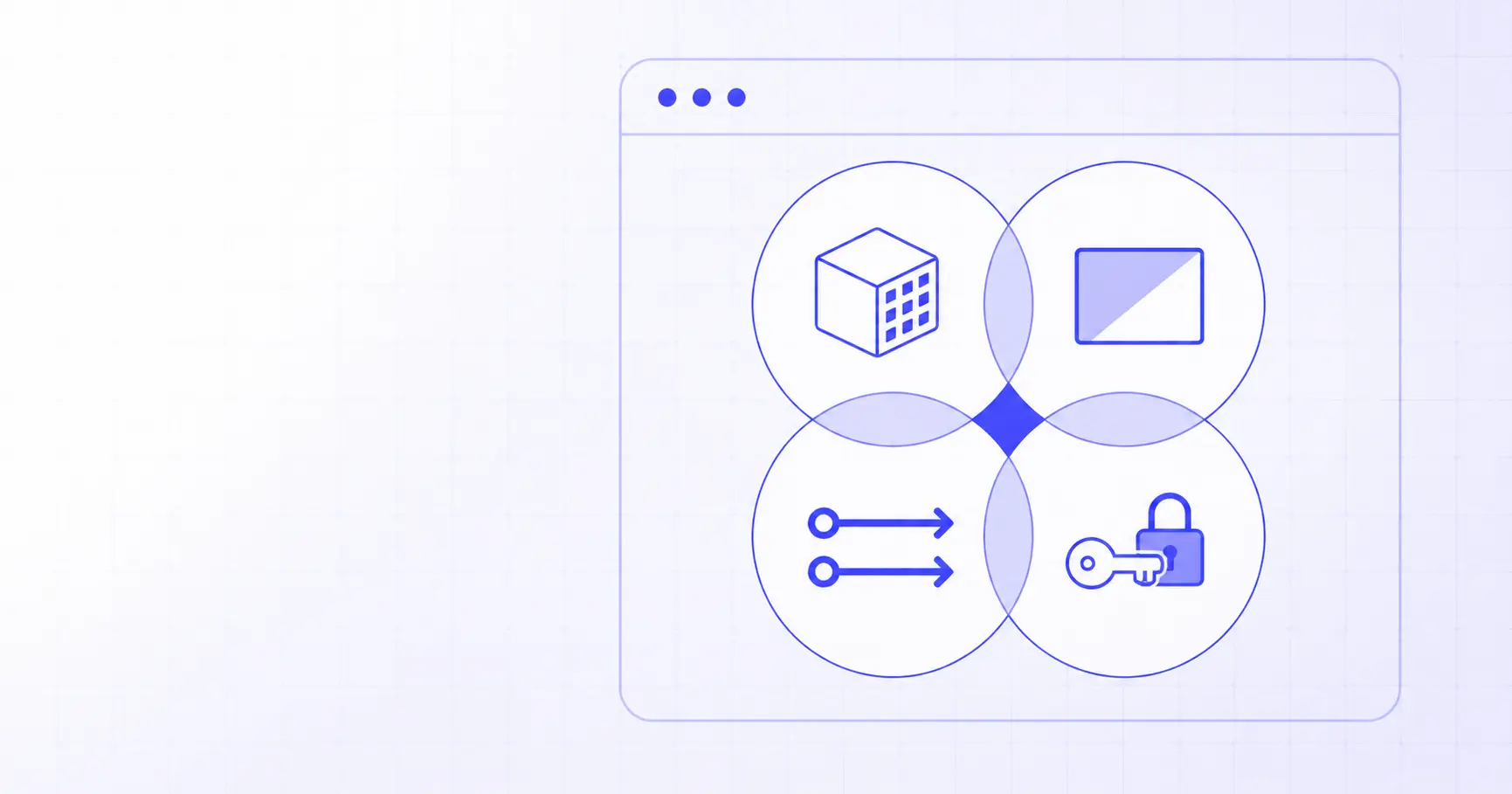
- Four browser APIs carry most of the load: WebAssembly, OffscreenCanvas, Web Workers, and Web Crypto.
- WebAssembly runs compiled C++ libraries (pdf-lib, Tesseract, Squoosh codecs) at near-native speed.
- OffscreenCanvas moves image work off the main thread, so the UI stays smooth during heavy operations.
- Web Crypto provides hardware-backed AES-256, SHA-256, and CSPRNG — the foundations of password generation, file hashing, and PDF encryption.
- Memory is the only real limit — most utility tasks fit comfortably in a 2-4 GB tab.
The four browser APIs that replace your server
Twenty years of client-server thinking has trained us to assume "real work" needs a server. The browser of 2026 quietly invalidated most of that assumption. Here are the four APIs doing the heavy lifting on iKit.
1. WebAssembly (Wasm)
WebAssembly is a binary instruction format that runs inside the browser at speeds within 10–20% of native compiled code. Critically, it lets you compile existing C, C++, and Rust libraries to run in the browser.
iKit uses Wasm for:
- PDF manipulation —
pdf-lib(TypeScript) handles structural edits;@cantoo/pdf-libadds AES-256 encryption via Wasm. - PDF rendering —
pdf.jsfrom Mozilla (~1.5 MB minified, partially Wasm) renders any PDF page to a canvas. - OCR —
Tesseract.js(Tesseract OCR compiled to Wasm) plus per-language data files (~2-10 MB each, lazy-loaded). - Image codecs — Squoosh's mozjpeg, oxipng, and avif encoders, compiled to Wasm.
- Background removal — an ONNX-format AI model run via
onnxruntime-webwith WebAssembly + WebGL backends.
The pattern is the same across all of them: a JavaScript shim loads the .wasm file once, then calls into it for the actual work.
import { Tesseract } from 'tesseract.js';

const worker = await Tesseract.createWorker('eng');
const { data: { text } } = await worker.recognize(imageBlob);
// `text` is the OCR'd plain text.
// At no point did the image leave the browser.
2. OffscreenCanvas
The classic <canvas> element is locked to the main thread. If you draw a 50-megapixel image to it, the page becomes unresponsive while it's working.
OffscreenCanvas solves this by letting you create a canvas inside a Web Worker, where it can hog CPU and GPU without freezing the UI.
// Inside the main thread:
const canvas = document.querySelector('canvas');
const offscreen = canvas.transferControlToOffscreen();
worker.postMessage({ canvas: offscreen, imageBitmap }, [offscreen, imageBitmap]);

// Inside the worker:
self.onmessage = async ({ data }) => {
    const ctx = data.canvas.getContext('2d');
    ctx.drawImage(data.imageBitmap, 0, 0);
    const blob = await data.canvas.convertToBlob({ type: 'image/jpeg', quality: 0.75 });
    self.postMessage(blob, [blob]);
};
iKit's image compressor and image resizer both use this pattern. A 20-image batch compress runs in parallel across however many cores your CPU has, with the UI staying smooth at 60 fps the whole time.
For the practical implications, see our PNG compression deep-dive — the same OffscreenCanvas pipeline but tuned for lossless PNG output.
3. Web Workers
Web Workers are JavaScript's built-in concurrency: a separate thread with its own event loop, memory, and global scope. They communicate with the main thread via postMessage.
iKit uses workers for:
- Heavy parsing — the JSON decoder pushes large JSON payloads (>1 MB) into a worker so the tab doesn't freeze during parse.
- Hashing large files — the hash generator streams a file through
TransformStreaminto a worker that computes SHA-256 incrementally. - OCR — Tesseract.js runs entirely inside a worker because the recognition pipeline is CPU-heavy.
The performance difference is most obvious with large files. Hashing a 1 GB ISO image on the main thread freezes the page for ~10 seconds. The same operation in a worker keeps the UI smooth and shows a real-time progress bar.
4. Web Crypto API
The Web Crypto API gives you hardware-backed cryptography directly from JavaScript. No library required.
// Generate a cryptographically secure random password
const bytes = new Uint8Array(16);
crypto.getRandomValues(bytes);
// Now `bytes` is 16 bytes of CSPRNG-quality randomness.

// Hash a file with SHA-256
const fileBuffer = await file.arrayBuffer();
const hashBuffer = await crypto.subtle.digest('SHA-256', fileBuffer);
const hashHex = [...new Uint8Array(hashBuffer)]
    .map(b => b.toString(16).padStart(2, '0'))
    .join('');
This is the foundation of:
- iKit Password Generator —
crypto.getRandomValues()for true CSPRNG passwords. (Math.random() is broken for this; see why you should never use Math.random for passwords.) - iKit Hash Generator —
crypto.subtle.digestfor SHA-1/256/384/512. - iKit UUID Generator —
crypto.randomUUID(), which produces RFC 4122 v4 UUIDs from the same CSPRNG. - PDF encryption — AES-256-CBC via
crypto.subtle.encryptfor the encrypt-PDF tool.
Browser cryptography is, in 2026, better than most application-layer crypto: hardware-accelerated, audited by browser vendors, and not subject to the typical mistakes that break custom implementations.
The challenges that don't go away
Browser-based isn't a silver bullet. Here are the real limits.
Memory
A typical browser tab gets 2–4 GB of usable JavaScript heap. That's plenty for:
- 50-page PDFs
- 20-image batch compression
- 5-minute audio files
- 100,000-row CSV/Excel files
It's not enough for:
- Raw 4K video (a 1-minute uncompressed 4K clip is ~10 GB)
- Large language models (most are 4–70 GB)
- 1000+ page OCR jobs in a single pass
When you hit the limit, you have to stream. iKit's hash generator uses TransformStream so a 10 GB file is processed in 64 KB chunks — never holding more than a few hundred KB in memory at once. The same trick works for some image batches, but not all algorithms can be made streaming.
Browser quirks
Different browsers ship different feature subsets:
OffscreenCanvas: Chrome, Edge, Firefox ✓ — Safari supports the type but with bugs in worker contexts as of early 2026.File System Access API: Chrome, Edge ✓ — Firefox and Safari fall back to old<input type=file>.- WebGPU: arrived 2023 in Chrome, late 2024 in Safari, still flagged in Firefox.
The pragmatic answer is feature detection plus graceful fallback. iKit detects OffscreenCanvas support; if absent, it falls back to a regular canvas on the main thread (slower but works).
The "first load is bigger" cost
Server-side tools have an asymmetric cost: tiny page (a few KB), heavy server. Browser-based tools shift that — bigger initial download (50 KB to 7 MB depending on the tool), zero compute on the server.
For iKit we mitigate this with:
- Per-tool subdomains: you only download the JS for the tool you opened. The Background Remover is 7 MB; the Hash Generator is 80 KB; never both at once.
- Lazy-loaded heavy assets: the OCR language data only loads when you select that language. The CJK font for watermarking only loads when CJK characters are detected in the input.
- Aggressive Cloudflare caching: the Wasm files have content-hash filenames, so they're cached forever after first load.
After the first load, most iKit tools run faster than their server-side equivalents because there's no network round-trip per operation.
Why isn't every tool doing this?
A reasonable question. The capability has been there since 2022. Three reasons most "online tool" sites still upload your files:
Business model
Server-side tools generate compute usage data: how many files processed, what file types, peak hours. That data feeds the upgrade-funnel ("you've used 80% of your free tier"). Client-side tools generate none of that. You can charge for them, but the funnel mechanics are different.
iKit's monetisation is non-tracking display ads, period. That's a smaller revenue model than per-seat SaaS, but it's also genuinely free for users, which is the whole point.
Tooling maturity
Emscripten (C++→Wasm) and wasm-bindgen (Rust→Wasm) only became developer-friendly around 2022–2023. Before that, getting a 5-year-old C++ library running in the browser was a months-long project. Today it's an afternoon.
Mental model
Most product teams default to "we'll add an API endpoint for that" because it's the pattern they know. Browser-first is still the road less travelled, even though the browser side is now the easy side for most utility tools.
A side-by-side: 30-image batch compress
Here's a representative measurement comparing iKit's image compressor vs a typical server-based one (TinyPNG's free tier), measured on a 2024 MacBook Air over a 100 Mbit fibre link.
| Step | Server-based (TinyPNG-style) | iKit (browser) |
|---|---|---|
| Upload 30 images (47 MB total) | 18.4 s | 0 s |
| Server queue + processing | 8-12 s (variable) | — |
| Local processing | — | 4.1 s |
| Download compressed ZIP | 6.2 s | 0 s |
| Total wall-clock time | ~33 s | ~4 s |
The server-based version isn't slow because the server is slow. It's slow because moving 47 MB of pixels across two networks twice takes time. By keeping the work local, iKit removes the dominant cost — the network — entirely.
For the practical workflow, see How to compress 20 images to a ZIP in 30 seconds.
The take-away
The browser is not a constrained environment anymore. For the boring everyday tools — compress, convert, generate, hash, encode — there's no longer a good reason to round-trip through a server.
iKit is the demonstration that you can ship 14 tools on browser-only infrastructure with no quality compromise versus the server-based alternatives. If you're building utility tools today and your reflex is still "we'll add an API endpoint", consider whether the operation actually needs to leave the browser. For most of them, it doesn't.
References
- WebAssembly — The binary instruction format compiled C/C++/Rust code runs through in the browser.
- Using Web Workers — MDN — Background threads for CPU-heavy work without freezing the UI.
- OffscreenCanvas — MDN — Canvas API usable inside a worker for GPU-accelerated image processing.
- Web Crypto API — MDN — Native AES, SHA, and CSPRNG primitives behind the hashing and password tools.
Related on iKit
- Why I built iKit — the product story behind the architecture choices in this post.
- The architecture behind 14 client-side tools — how these browser APIs are packaged into 14 independently deployed apps.
- How to verify file integrity with MD5 and SHA-256 — the Web Crypto streaming hash pattern, written up as a how-to.
- Encode and decode Base64 with real examples — a popular developer utility that demonstrates the same no-upload model.
- Generate every app icon size from one source — OffscreenCanvas in action across every icon size, all in the browser at iKit.
Related posts
Why Your Converted JPG Is Bigger Than the PNG (2026)
Converted a PNG to JPG and the file grew? Here's why JPEG bloats flat graphics and screenshots, and the quick fix that actually shrinks the image.
What Was Unix Timestamp 1700000000? Date Forensics (2026)
Unix timestamp 1700000000 was Tuesday, November 14, 2023, 22:13:20 UTC. Learn how to date any timestamp from its leading digits, no converter needed.
How to Read JWT exp and iat as Unix Timestamps (2026)
JWT exp, nbf, and iat are Unix timestamps in seconds. Learn to read them in 3 seconds, convert them to a date, and check token expiry by hand.