JSON Decode Online: Decode vs Parse vs Validate (2026)
What does JSON decode actually mean? It's not the same as parse or validate — and confusing them ships bugs. Three operations, finally distinguished.
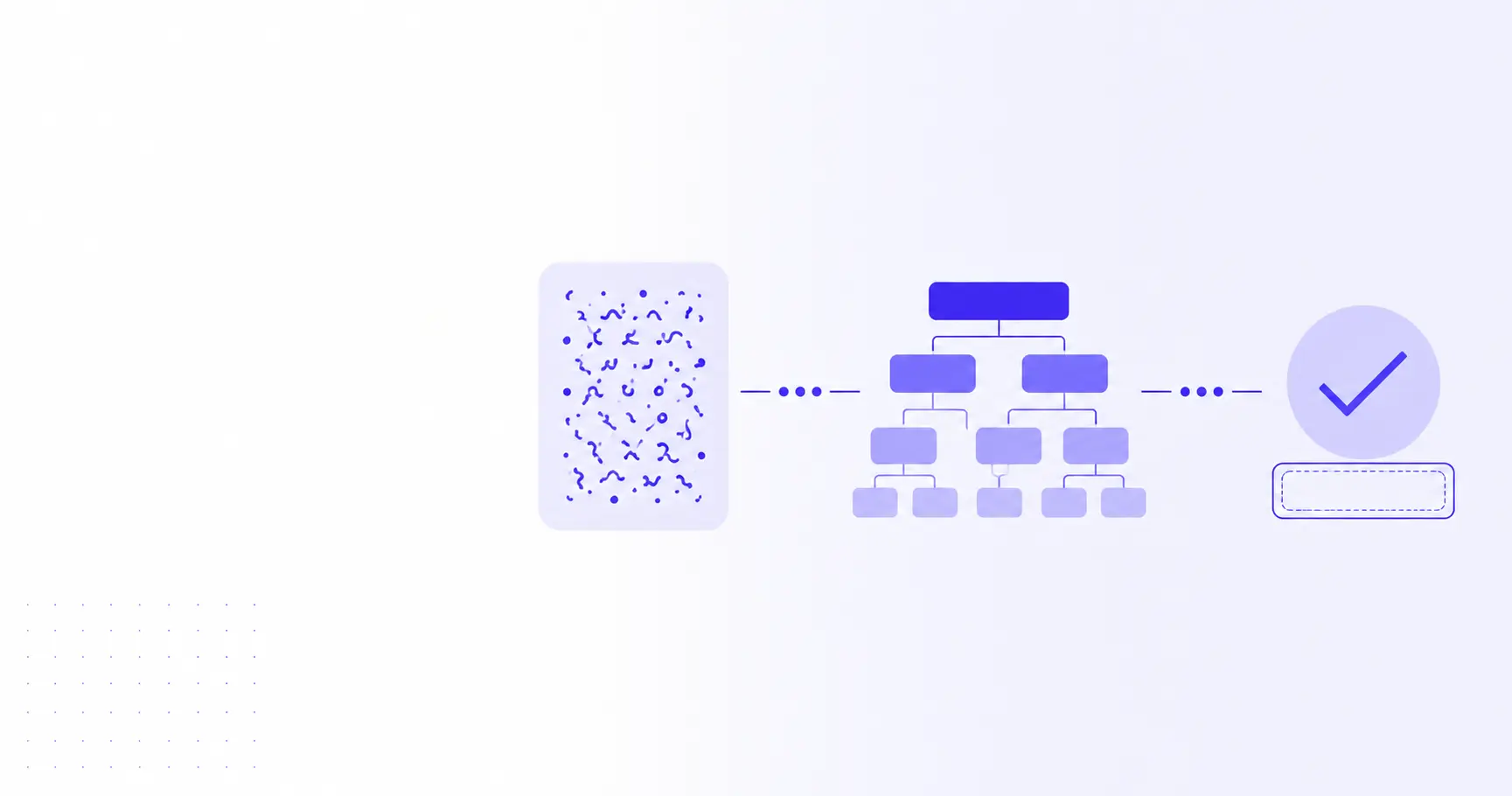
JSON Decode Online: Decode vs Parse vs Validate
Three words that get used interchangeably and shouldn't be. Decoding, parsing, and validating JSON describe three distinct operations — and confusing them is why your "JSON decoder" sometimes behaves like a syntax checker, sometimes like a pretty-printer, and sometimes like a schema enforcer. This post walks through all three, with code, with errors, and with a clear rule for when to reach for each. If you just want a fast browser tool, the iKit JSON Decoder handles all three locally.
TL;DR
- Decode is the umbrella verb — colloquial for "turn a JSON string into a usable value."
- Parse is the technical algorithm: characters in, value tree out.
- Validate is one level higher — does the parsed value match an expected shape?
- A string can parse cleanly and still fail validation against a schema.
- Browser-only decoders like jsondecoder.ikit.app do all three without uploading your payload.
What "Decode" Actually Means in JSON
The word came from elsewhere
JSON itself has no "decode" step in the spec. RFC 8259 and the original json.org grammar talk about producers and consumers — never decoders. The word arrived from neighbouring formats: Base64 has a decode step, URL encoding has a decode step, character sets have a decode step. Web developers borrowed the verb because "JSON decoder" sounds friendlier than "JSON syntax-tree constructor."
How language APIs picked the verb
Different languages settled on different names for the same operation:
| Language | Encode (object → string) | Decode (string → object) |
|---|---|---|
| JavaScript | JSON.stringify() |
JSON.parse() |
| Python | json.dumps() |
json.loads() |
| Go | json.Marshal() |
json.Unmarshal() |
| PHP | json_encode() |
json_decode() |
PHP is mostly why the word "decode" stuck on the web — json_decode() was the dominant verb for an entire generation of LAMP-stack developers, and Stack Overflow questions still echo the name. Today, "JSON decode" is the search term users type, even though most languages call the operation parsing.
The three operations, finally distinguished
A simple mental model:
- Decoding is the user-facing wrapper word — "I want to look at this JSON in a readable form."
- Parsing is the algorithm — a lexer and a tree-builder turning characters into values.
- Validating comes after parsing — checks that the resulting tree conforms to a schema.
A "JSON decoder" tool typically does all three under the hood: parses, optionally pretty-prints, and surfaces validation errors as red squiggles in the gutter. Decoding is the umbrella; parsing and validating are the specific moves underneath.
How JSON Parsing Works
From string to in-memory value
Parsing is a two-pass walk: a lexer turns characters into tokens ({, "id", :, 7, }), and a tree-builder assembles those tokens into objects, arrays, and primitives. The output is a value your runtime can read and write.
const raw = '{"id": 7, "tags": ["admin", "ops"]}';
const obj = JSON.parse(raw);

console.log(obj.id);       // 7
console.log(obj.tags[1]);  // "ops"
console.log(typeof obj);   // "object"
JSON.parse() returns a real JavaScript object — not the string. After parsing, you can mutate it, serialize a different shape back out, or hand it to a validator.
Memory and runtime cost
Parsing is O(n) in the length of the input, which makes it fast — but the resulting tree typically takes 2–4× the memory of the source string. A 100 MB JSON file balloons to 250–400 MB of heap. For very large payloads, streaming parsers (clarinet, oboe.js, json-stream) avoid building the full tree and emit values incrementally as they arrive on the wire.
Errors you'll hit at parse time
Parser errors fire on the first invalid character. The most common ones in 2026:
SyntaxError: Unexpected token } in JSON at position 47
SyntaxError: Unexpected end of JSON input
SyntaxError: Expected double-quoted property name in JSON at position 12
Translated to plain English:
- "Unexpected token" — the parser hit a character that can't legally appear there. Usually a trailing comma, a missing comma, or single quotes where double quotes belong.
- "Unexpected end of JSON input" — the string was cut short. Common when
fetch()truncates a streamed response or whencurlis piped throughhead. - "Expected double-quoted property name" — JSON object keys must be in double quotes. JavaScript object literals tolerate single quotes or unquoted keys; JSON does not.
If you've battled these before, How to Format Ugly JSON in 2026 — 3 Methods Compared walks through the cleanup workflow that surfaces these errors fastest.
What JSON Validation Really Tests
Validate JSON: syntactic validity vs structural validity
Parsing answers a yes/no question with a single right answer: is this valid JSON syntax? Validation answers a different question: does this JSON match the shape my code expects?
// Parses cleanly. Fails validation if "age" must be a number.
const raw = '{"name": "Alice", "age": "thirty"}';
const obj = JSON.parse(raw);
Syntactic validity is about the JSON grammar. Structural validity is about your contract. Two different layers, and many bugs come from treating the first as proof of the second.
JSON Schema in 30 seconds
JSON Schema is the standard way to describe the expected shape of a JSON value. A minimal schema for the snippet above:
{
  "type": "object",
  "properties": {
    "name": { "type": "string" },
    "age":  { "type": "integer", "minimum": 0 }
  },
  "required": ["name", "age"]
}
Run this schema against the parsed object and the validator complains: age is a string, not an integer. Useful libraries by ecosystem:
- JavaScript / TypeScript: Ajv (canonical), Zod (schema-as-code, type inference)
- Python: jsonschema, Pydantic (schema-as-class)
- Go: gojsonschema, ozzo-validation
- Rust: jsonschema, valico
Most teams settle on one validator at the API boundary and one at the database boundary. Anything in between trusts the contract.
When validation diverges from parsing
Common cases where parse-clean JSON still fails validation:
- A required field is missing — the JSON parses, but the schema says it must be present.
- A field has the wrong type —
{"price": "9.99"}parses, but the schema expects a number. - An enum is violated —
{"status": "pending"}parses, but the schema only allows"open"or"closed". - A regex pattern doesn't match —
{"email": "alice@"}parses, but the schema requires a real email pattern. - A nested object is the wrong shape — top-level JSON is fine; the violation is three levels deep.
In every case the parser is happy. The validator is the one raising its hand.
Doing All Three in the Browser
Why server-side JSON tools are a quiet leak
Many "online JSON formatters" upload your payload to a server before parsing. That's fine for public data — but JSON in the wild is rarely public. Common payloads that should never touch a third-party server:
- API responses with JWT tokens, session IDs, or refresh tokens
- Database dumps with user emails, addresses, or hashed passwords
- Internal configuration with infrastructure names or IP addresses
- Webhook payloads with PII
If a tool's privacy policy talks about "encrypted in transit" or "deleted after 24 hours," your payload is on their server. That's not a phrasing trick — it's the architecture. Encryption in transit just means TLS; the bytes still land in their request log, their cache, and their backup.
The browser-only approach
Modern JavaScript engines ship a fast, native JSON.parse(). There's no technical reason to round-trip through a server for parsing or pretty-printing. The iKit JSON Decoder is built around that observation:
- The page bundle is JS + CSS — no API calls
- Parsing runs in your tab via
JSON.parse() - Validation runs in your tab via Ajv
- Errors surface inline with line and column numbers
You can verify this yourself: open DevTools → Network → paste a blob → confirm zero outbound requests after the page loads. That's the same architecture used across every iKit tool, documented in The Architecture Behind 14 Client-Side Tools (iKit, 2026 Edition), and it's why we never write the words "we delete your file after X hours."
A 30-second walkthrough
- Open jsondecoder.ikit.app
- Paste your JSON into the left pane
- The right pane shows the parsed tree, collapsible by node
- Syntax errors highlight on the line they hit
- Copy the formatted output back out — your data never moved
If your JSON contains Base64-encoded blobs (a surprising amount does — image avatars, signed tokens, binary payloads stuffed into text fields), pair it with iKit's Base64 tool to decode the inner bytes without leaving the browser.
Common Pitfalls and CLI Workflows
Five bugs from conflating decode, parse, and validate
A quick taxonomy of the bugs this confusion ships:
- Trusting parse success as schema success. If
JSON.parse()returns, the payload is syntactically valid — but it might still be the wrong shape entirely. - Validating before parsing. Schema libraries operate on the parsed object, not the string. Validate after parse, never before.
- Pretty-printing as a substitute for validation. A formatted blob is just nicer-looking JSON; it's not safer JSON.
- Skipping schema validation in production. Many APIs accept anything that parses, then crash later on a missing field. Schema validation at the boundary catches it in milliseconds.
- Re-parsing as a deep-clone trick.
JSON.parse(JSON.stringify(obj))is a deep-clone hack, not parsing in the formal sense. It also dropsundefined, functions, andDateprecision.
A bonus pitfall: forgetting that JSON.parse() happily returns null for the literal string "null". Your if (!result) branch will fire on legal input.
A jq + ajv comparison cheatsheet
If you're working at the terminal, two tools cover the trio:
# Parse + pretty-print (fails if input is invalid)
echo '{"id":7}' | jq '.'

# Parse only — silent on success, error on bad input
echo '{"id":7}' | jq -e '.' >/dev/null && echo "ok"

# Validate parsed JSON against a JSON Schema
ajv validate -s schema.json -d data.json
jq parses and pretty-prints in one move and is the de-facto Unix tool for the job. ajv is the canonical CLI for JSON Schema validation. Both are O(n) and stream where they can. A common pipeline in CI is curl … | jq -e '.' | ajv validate -s schema.json — parse first, validate second, fail loud if either step trips.
For workflows that involve documenting your schemas alongside the code that uses them, the iKit Markdown Editor renders fenced JSON blocks with syntax highlighting and never uploads your draft.
References
- RFC 8259 — The JavaScript Object Notation (JSON) Data Interchange Format — Authoritative IETF specification of the JSON grammar.
- Introducing JSON — json.org — Original grammar diagrams and ECMA-404 reference for JSON.
- JSON.parse() — MDN — Confirms
JSON.parse("null")returns the JavaScriptnullvalue. - JSON Schema — Vocabulary for describing the expected structure of JSON values.
Related on iKit
- Format Ugly JSON: 3 Methods — Once you've parsed a blob and want it human-readable, this walks through the three formatting paths (browser tool, IDE, CLI) and when each one wins.
- Base64 Encode & Decode: 10 Real Examples — JSON payloads frequently embed Base64 in their string fields; this covers decoding that inner layer.
- The Architecture Behind 14 Client-Side Tools (iKit, 2026 Edition) — Why JSON Decoder runs entirely in your tab and why every other iKit tool uses the same browser-only architecture.
Related posts
CSV Type Inference: When "42" Should Stay a String (2026)
CSV files carry no types, so every parser guesses. Here is when a numeric-looking field should stay a string, and how to stop silent data loss.
Semicolon CSV Explained: Why European Excel Uses ; (2026)
Semicolon CSV files aren't broken exports. They come from Excel's locale list separator. Here's why it happens and how to read the files anywhere.
Notification API: Reminders That Survive a Tab Switch (2026)
The Notification API lets a timer reach you after you switch tabs. Here is the permission flow, the options that matter, and the failures nobody warns you of.