Privacy-First Diff Checking: Why Server Tools Leak Code (2026)
A privacy-first diff checker runs in your browser so pasted code never leaves your machine. Here is why server-side diff tools are a real leak.
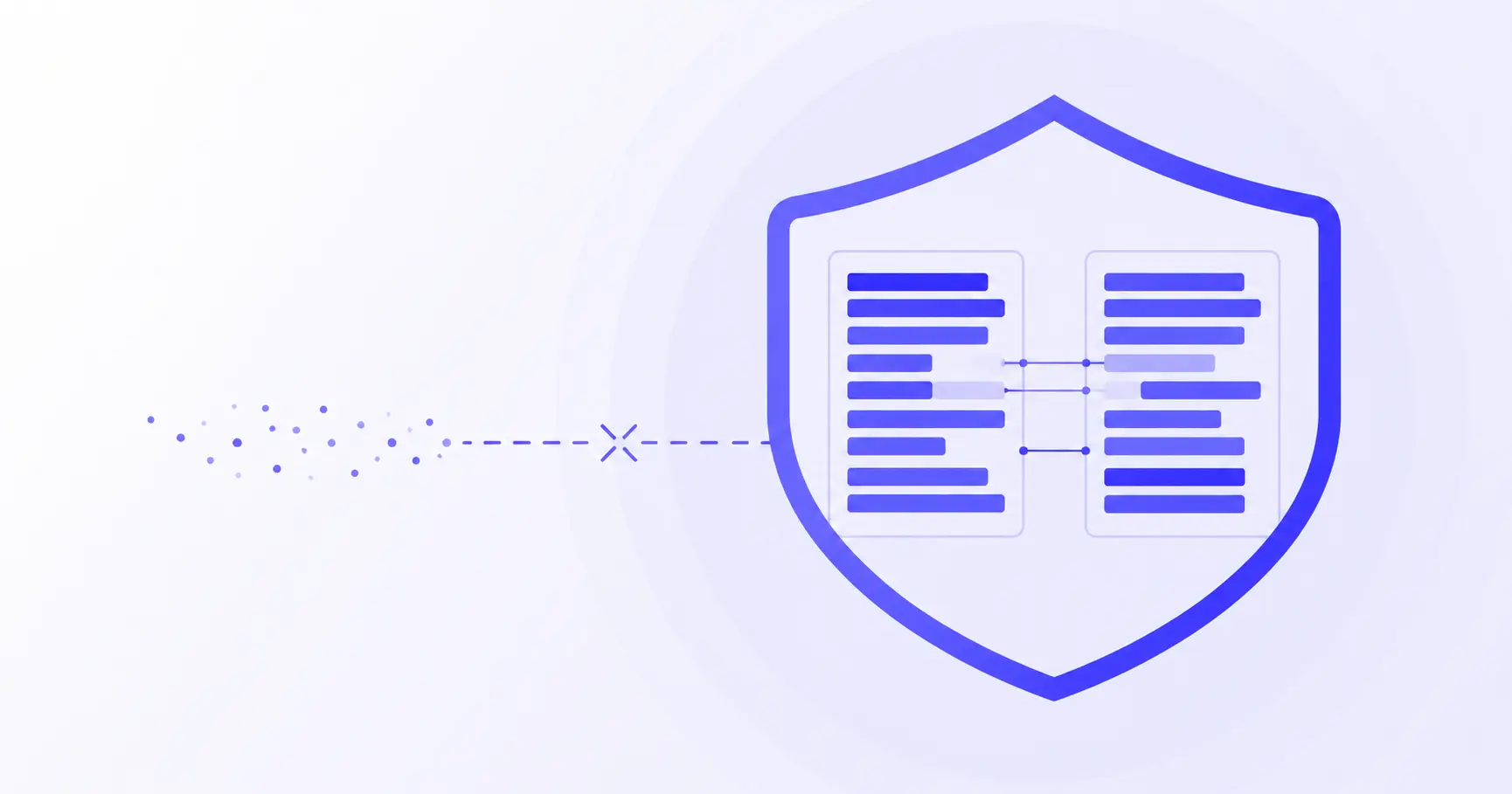
Privacy-First Diff Checking: Why Pasting Code Into a Server Tool Is a Leak
You have two versions of a config file, a contract, or a chunk of proprietary code, and you want to see what changed. So you paste both into the first "diff checker" a search turns up. That paste is the problem. If the tool sends your text to a server to compute the diff, you have just handed confidential content to a third party you never vetted. A privacy-first diff checker avoids this entirely by running the comparison in your browser, so the data never leaves your machine.
TL;DR
- Many online diff tools upload your pasted text to a server to compute the comparison.
- Pasting proprietary code or personal data into one is a disclosure to a third party, not a private action.
- Under GDPR Article 4, transmitting data to an outside party counts as "processing."
- A client-side diff runs the Myers algorithm locally — verify with an empty Network tab.
- iKit's Diff Checker computes everything in-browser, no upload.
Is an online diff checker safe for confidential code?
The honest answer is: it depends entirely on where the comparison runs. "Online" tells you nothing about privacy. Two tools with identical interfaces can behave in opposite ways — one computes the diff on your CPU, the other ships your text across the internet first.
What a server-side diff actually does with your paste
When a tool computes the diff on its backend, the sequence is roughly: your browser serializes both text blocks, sends them in an HTTP request body to the tool's server, the server runs the comparison, and it returns the result. At minimum, your content sat in that server's memory. Depending on the operator, it may also have been written to logs, cached, retained for analytics, or stored indefinitely. You have no way to audit any of that from the outside.
The marketing word "free" makes this worse, not better. A free tool with no clear funding model has an incentive to derive value from what passes through it. That does not mean every free tool is malicious, but it means you cannot assume your paste was discarded the moment the response came back.
Why "I trust the site" is the wrong frame
Trust is not the variable that matters — architecture is. A reputable company can still suffer a breach, get subpoenaed, change its terms, or be acquired by an operator with different values. Every one of those risks disappears if the data was never transmitted in the first place. The goal is not to find a server-side tool you trust; it is to use a tool where trust is unnecessary because nothing leaves your browser.
The confidentiality categories that make this urgent
Some diffs are harmless. Comparing two public README files is fine anywhere. The risk concentrates around a few categories: source code containing business logic or secrets, legal and financial documents, anything with customer or employee personal data, and internal configuration that reveals infrastructure. If your two text blocks fall into any of those, the tool's architecture stops being a preference and becomes a requirement.
How to compare two files without uploading them
The safest option is a diff tool that is architecturally incapable of uploading your content because it does the whole job in JavaScript on your machine. Here is how to confirm you are using one.
How do I know if a diff tool uploads my data?
You do not have to take a tool's word for it — you can watch the network directly. Open your browser's DevTools (F12), switch to the Network tab, clear it, paste your two text blocks, and run the comparison:
1. Open DevTools → Network tab
2. Click "Clear" to empty the request log
3. Paste both texts, trigger the diff
4. Watch the request list
On a client-side tool, the request list stays empty during the comparison — no new POST, no fetch, nothing carrying your content. If instead you see a request whose payload contains your pasted text, the tool is uploading it. The browser's DevTools are documented on MDN's Network Monitor guide and are the ground truth here; a privacy claim in a footer is not.
The offline test that settles it
There is an even simpler check. Load the diff tool, then disconnect from the internet — turn off Wi-Fi or use the "Offline" throttle in the DevTools Network tab. Now run a diff. If it still works, the computation is happening locally and your data has nowhere to go. If it hangs or errors, the tool needs a server, which means your content was going to travel.
What "client-side only" should mean
A genuine client-side tool loads its code once, then runs self-contained. There is no reason for it to make a network call while you work. That is the model iKit's tools use, described in how iKit runs entirely in your browser. The same property is what makes tools like the Hash Generator and Password Generator safe for sensitive input: the secret is generated and consumed without ever being transmitted.
Why a server-side diff can be a compliance problem, not just a risk
For personal projects, "I would rather not" is enough. Inside an organization, pasting the wrong thing into the wrong tool can breach an actual obligation.
GDPR: pasting data can be third-party "processing"
If the text you are diffing contains personal data — names, emails, user records, anything identifying a person — then transmitting it to an external tool is a regulated act. GDPR Article 4 defines processing broadly, as any operation performed on personal data including "disclosure by transmission, dissemination or otherwise making available," per the official regulation text on EUR-Lex. Sending that data to a third-party diff server, with no data processing agreement and no idea where it is stored, is exactly the kind of uncontrolled disclosure the regulation exists to prevent.
A client-side diff sidesteps the whole question. If the data never leaves the browser, there is no transmission, no third-party processor, and nothing to document.
Real incidents: the paste-it-in reflex
This is not hypothetical. In 2023, Samsung engineers pasted proprietary semiconductor source code and internal meeting notes into an external tool to get quick help, leaking confidential data in three separate incidents within weeks, as reported by Forbes. The company responded by banning external tools on its devices. The mechanism was mundane: convenient tool, quick paste, data gone. A diff checker is the same failure mode wearing a different UI.
The questions a security review will ask
If your team has any security posture at all, an unfamiliar web tool that receives your code will eventually draw questions: Where is the server? What is retained, and for how long? Is there a DPA? Who else can access it? For a client-side tool the answers collapse to "nothing is sent," which is the only answer that reliably passes review. Common web risks around exposing sensitive data are catalogued in the OWASP Top 10, and "don't transmit it in the first place" is the cleanest mitigation.
How client-side diff works under the hood
If the comparison never touches a server, how does it work at all? The answer is that diffing is pure computation — it needs your two inputs and a CPU, nothing else.
The Myers algorithm, running on your CPU
The standard algorithm behind modern diff tools is Eugene Myers' 1986 method, described in the paper An O(ND) Difference Algorithm and Its Variations. It models the comparison as finding the shortest path through an "edit graph," running in O(ND) time where N is the combined input length and D is the number of edits. When two files are mostly the same — the common case — D is small and the diff finishes almost instantly. This is the same core algorithm git diff uses, and it maps cleanly onto JavaScript. For a deeper walkthrough, see how the LCS algorithm finds changes.
Why your data stays local by construction
Here is the key point: the algorithm's inputs are the two strings already sitting in your browser's memory. It produces the diff output from those strings and nothing else. A well-built client-side tool simply never calls fetch with your content:
// Client-side: inputs stay in memory
const result = computeDiff(textA, textB);
render(result);
// No network call carries textA or textB
Compare that to the server model, where the same operation smuggles your text out first:
// Server-side: your text is uploaded
const result = await fetch("/api/diff", {
  method: "POST",
  body: JSON.stringify({ textA, textB }),
});
The difference between these two snippets is the entire privacy question. The first never transmits; the second always does.
Privacy-first diff checking without giving up features
A common worry is that "runs in the browser" means "does less." It does not. The comparison logic is identical either way — the only thing you give up is the upload.
Client-side vs server-side at a glance
| Aspect | Client-side diff | Server-side diff |
|---|---|---|
| Your text leaves device | Never | Yes, every time |
| Works offline | Yes | No |
| Retention risk | None | Depends on operator |
| Speed | No upload round-trip | Adds network latency |
The feature set — side-by-side view, inline highlighting, whitespace handling, word-level granularity — lives entirely in the client code. None of it requires a backend.
A safe workflow for sensitive comparisons
When the content is confidential, a simple routine keeps you covered:
- Confirm the tool is client-side (Network tab empty, or the offline test passes).
- Paste both versions and run the diff locally.
- Copy the result you need; close the tab.
- For extra assurance on truly sensitive material, run the tool offline.
When the input is structured data
If you are comparing JSON, YAML, or config, formatting noise can drown the real change. Normalize first with a client-side formatter — for example, tidy both blocks in the JSON Decoder before diffing, so you see only genuine differences and not reordered whitespace. Everything stays in the browser end to end.
References
- Art. 4 GDPR — Definitions (Regulation (EU) 2016/679) — official text; cited for the definition of "processing" including disclosure by transmission.
- Samsung Bans ChatGPT Among Employees After Sensitive Code Leak — Forbes — reporting on the 2023 paste-driven source-code leak.
- An O(ND) Difference Algorithm and Its Variations — Eugene W. Myers (1986) — primary paper for the diff algorithm and its O(ND) complexity.
- Network Monitor — MDN Web Docs — used for the DevTools verification steps.
- OWASP Top 10 — reference for sensitive-data-exposure risk framing.
Related on iKit
- Compare any two texts fast with a browser-based diff checker — the practical starting point for the same tool covered here, with no upload.
- Choose between side-by-side and unified diff views — how to read the output once your comparison runs locally.
- See how the LCS algorithm finds changes — the computation that lets a diff run entirely client-side.
- Compare browser diff vs git diff vs FileMerge — when a private in-browser diff beats the desktop and CLI options.
- Compare two JSON files without false diffs — normalize structured data before diffing so only real changes show.
- Find a single typo in a 5,000-line file — a large-file workflow that stays on your machine.
Related posts
alg: none JWT Vulnerability: Why It Still Bites in 2026
The JWT alg: none vulnerability lets attackers forge tokens without a secret. Here's how the exploit works and why libraries still trip on it in 2026.
URL Encode Online: Stop Pasting Sensitive URLs (2026)
URL encode online without leaking auth tokens, S3 links, or password-reset codes. Here's where pasted URLs actually end up — and how to encode privately.
How to Create Strong Passwords You'll Actually Remember
Strong passwords don't need to be random gibberish. Learn four memorable patterns that meet NIST rules — plus when to let a generator do the work.