Merge PDF Online Free — No Sign-Up, No Watermark (2026)
Merge PDF online for free in your browser — no uploads, no watermarks, no sign-ups. Step-by-step walkthrough plus the trade-offs of browser-only merging in 2026.
Merge PDF Online, Free — No Sign-Up, No Watermark
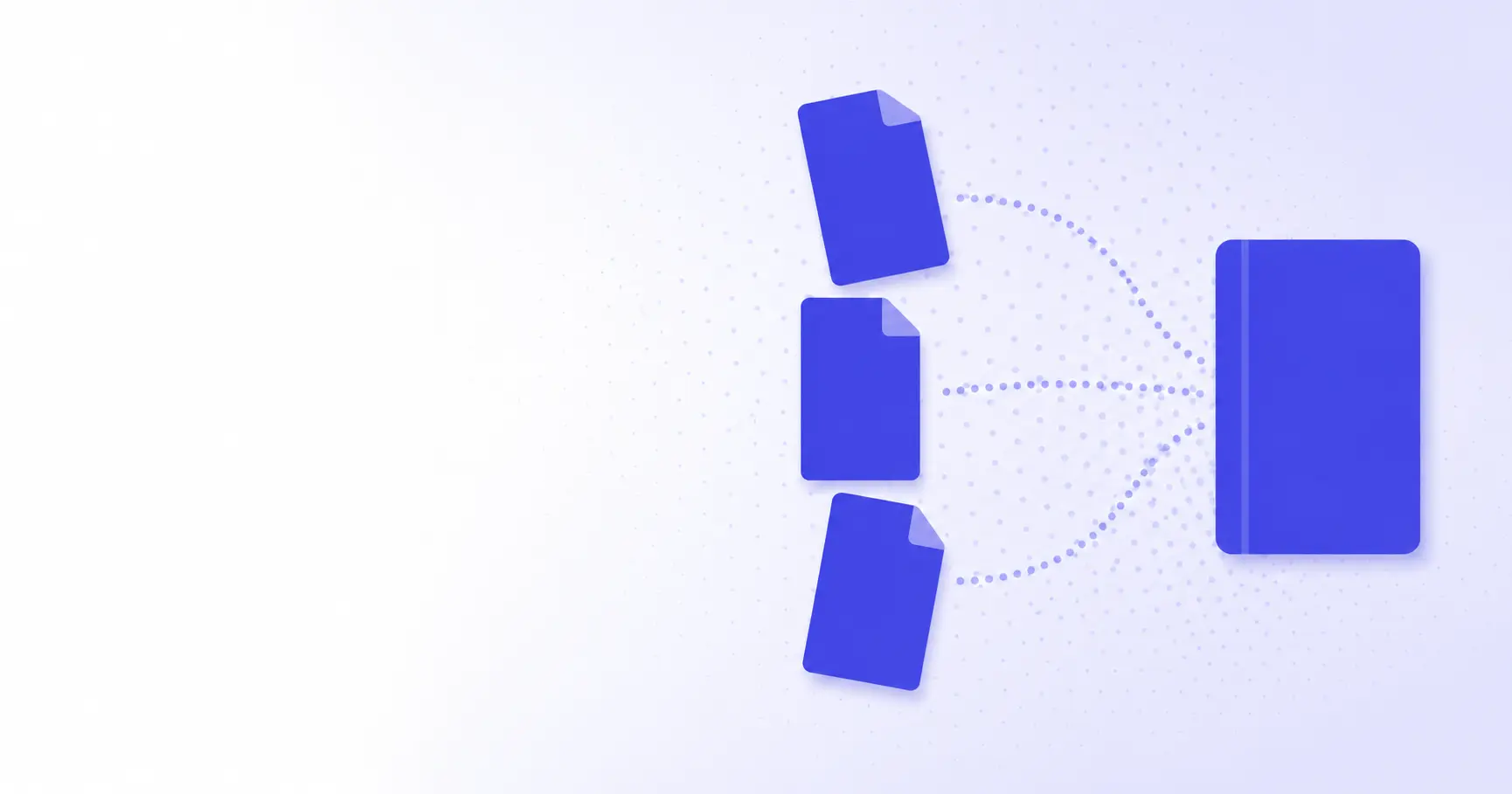
When you search merge PDF online, the top results all do the same thing: upload your files to a server, stamp a watermark on every page, then ask you to sign up to remove it. iKit's merge PDF online tool does it all locally in your browser — every byte stays on your machine, no account required, nothing inserted into the output. This post is a walk-through of exactly how that works, why the trade-offs matter for anything confidential, and where browser-side merging stops being a good idea.
TL;DR
- Browser-only PDF merge keeps every page on your machine — zero uploads.
- iKit uses pdf-lib running on WebAssembly to combine PDFs in milliseconds.
- "Free" PDF tools commonly monetize via uploads, watermarks, or sign-up walls.
- For confidential documents, client-side processing is the only safe default.
- Output conforms to ISO 32000 — readable in Acrobat, Preview, and any browser.
What "merge PDF" actually means
Concatenating page trees, not pixels
A PDF file isn't a flat image. It's a tree of objects — pages, fonts, content streams, image XObjects — wrapped in a cross-reference table that tells the reader where each object lives in the file. Merging two PDFs is therefore not "stitching pictures together." It's grafting the page tree of one document onto another, copying the resources each grafted page depends on, and rewriting the cross-reference table so the byte offsets stay valid. The PDF specification calls this an "incremental update" pattern when done in place; iKit performs a clean rewrite for a smaller, deterministic output.
What happens to bookmarks, forms, and metadata?
Bookmarks (officially "outlines") and form fields (AcroForm) live in the document catalog, not on individual pages. When you merge, only one source can hand its catalog to the output — the rest get their pages but lose their outlines. iKit flattens form fields by default to avoid a half-broken AcroForm dictionary, and copies the metadata of the first input as the merged document's metadata. If you want every source's bookmarks preserved, that's a different operation: stitch each input's outline tree onto the merged catalog with adjusted page references. iKit's merger doesn't do that today; tell us in feedback if you want it.
Why server-side mergers feel slower
Even when bandwidth is cheap, the round-trip cost of upload → queue → process → download easily eats 5–10 seconds on a typical broadband connection. Local merging skips all of it. The merge itself is sub-second for inputs under 50 MB total because pdf-lib is just rewriting object tables — no rendering, no pixel work, no font subsetting.
How iKit's PDF merger works under the hood
pdf-lib + WebAssembly: the building blocks
The core engine is pdf-lib, a pure-TypeScript PDF manipulation library. iKit ships a build that compiles the heavy parts (cross-reference parsing, FlateDecode, JPEG2000 and CCITTFaxDecode streams) to WebAssembly so they run at near-native speed. Browsers expose three primitives that make this practical:
FileandBlob: hand the user's PDF straight from disk to JavaScript without an upload step.ArrayBuffer: gives WebAssembly a typed view over the bytes — no copy, no JSON serialization.URL.createObjectURL: lets the browser save the merged result without a network round-trip.
A 4-step lifecycle: load, graft, write, download
Conceptually the merger is four steps. Simplified for readability:
const out = await PDFDocument.create();
for (const file of files) {
  const src = await PDFDocument.load(
    await file.arrayBuffer()
  );
  const pages = await out.copyPages(
    src, src.getPageIndices()
  );
  pages.forEach((p) => out.addPage(p));
}
const bytes = await out.save();
download(new Blob([bytes],
  { type: "application/pdf" }));
copyPages is the interesting call. It walks the page object, follows references to fonts, images, ICC profiles, and XObjects, and brings each one into the output document with a freshly-assigned ID. Without copyPages, you'd get a merged PDF that crashes Acrobat the moment it tried to render a font that no longer exists in the catalog.
Why merging 50 PDFs takes 2 seconds, not 2 minutes
WebAssembly's deflate is roughly five times faster than equivalent hand-written JavaScript. Combined with the fact that nothing is uploaded, the wall-clock cost of merging 50 modest PDFs is dominated by reading them from disk — about 200ms on an SSD. The actual merge work is around 1.5 seconds. Compare that to the typical online flow: upload (3–8s on home internet) plus queue (1–2s) plus processing (around 1s) plus download (1s) — six to twelve seconds before you see the file.
The hidden costs of "free" PDF mergers
Hidden upload: where your file actually goes
Open your browser's network tab on any "free PDF merger" and watch what happens when you click upload. On most sites you'll see a multi-megabyte POST to a third-party CDN — usually retained in their logs for at least 24 hours. The privacy policy at the bottom of the page often notes that uploaded files "may be processed by third-party providers." On a confidential document, that single click is the entire breach.
Watermarks and the upsell funnel
A watermark is the upsell hook. The free tier processes your file and stamps every page; removing the stamp requires a paid subscription. The classic pattern looks like this:
| Tool type | Upload? | Watermark? | Sign-up? |
|---|---|---|---|
| Typical "free" SaaS | Yes | Yes (free tier) | Often required |
| Acrobat Online (free) | Yes | No | Yes |
| Browser extensions | Sometimes | Varies | No |
| iKit PDF merger | No | No | No |
iKit's PDF tools have no premium tier, so there's nothing to gate. The output is byte-for-byte the same as if you'd run the merge offline.
What "no sign-up" really protects against
Sign-up isn't just friction. Every account ties your file uploads to an email, a billing identity, and an IP. Even if the operator deletes the file after processing, the metadata trail — "user X uploaded a PDF named 'Q3-board-deck.pdf' at 14:22 UTC" — persists indefinitely in their analytics warehouse. Removing the sign-up step removes the join key.
How to merge PDF online in 30 seconds with iKit
Drag and drop your files
Open pdf.ikit.app, select Merge, and drop two or more PDFs onto the page. The drop handler reads each file with File.arrayBuffer() — no upload, no <input type="file"> form post, no fetch to a backend.
Re-order pages and remove blanks
You can re-order whole files in the merge queue, and the per-page editor lets you yank a single blank page or rotate a sideways scan. The page-level operations work on the same in-memory PDFDocument, so they're effectively free — no extra round-trip, no re-encode of unchanged pages.
Download — or chain into another tool
The output is offered via URL.createObjectURL, which creates a one-shot blob URL the browser can save directly. From there you can chain it: drop the merged file into iKit's compressor for a smaller email attachment, or run it through the hash generator to get an integrity checksum before sending.
If you want to verify that nothing left your machine during the merge, run this in DevTools' console while you do it:
performance
  .getEntriesByType("resource")
  .filter(e => e.initiatorType === "fetch")
  .map(e => e.name);
You'll see the static JS and Wasm assets that loaded once on first visit — and nothing during the merge itself.
When NOT to use a browser merger
Files larger than your RAM
A browser tab can comfortably hold a couple of GB of buffers on most desktops. Push past that and you'll see slow merges, stutters, or — on mobile — outright tab crashes. If you're combining 5 GB of scan archives, a desktop tool with streaming output (Acrobat Pro, qpdf) is the right answer.
Encrypted PDFs you can't decrypt
iKit's merger respects PDF encryption: if a source is password-locked, you'll be prompted for the password before it joins the output. If you don't have the password, no online merger should work. Anyone offering a "remove password" merge for arbitrary input is either cracking trivial passwords or lying. The PDF specification (ISO 32000-2) defines AES-256 as the canonical encryption algorithm; brute-forcing it isn't a feature anyone can ship in a browser.
Server-side automation pipelines
Browsers are great for one-off interactive merges. They're a bad fit for "merge 10,000 invoices nightly." For that workload, run pdf-lib on Node, or use a headless tool like qpdf in a queue. The browser version of iKit exists to keep your files on your laptop, not to be a job runner.
References
- ISO 32000-2:2020 — Document management — Portable document format — Part 2: PDF 2.0 — PDF 2.0 standard covering encryption, catalog, and incremental update semantics.
- pdf-lib — Create and modify PDF documents in any JavaScript environment — The library underlying iKit's browser-only PDF merger.
- PDFDocument — pdf-lib API — Documents the copyPages limitation that AcroForms and outlines are not copied.
- pdf-lib issue #567 — Merge N PDFs and add outline/bookmarks — Confirms outlines must be manually grafted after copyPages.
- Blob — MDN — Browser API used to deliver the merged PDF without an upload step.
Related on iKit
- Crop PDF: Trim White Margins — The companion PDF tool: trim wasted whitespace in the same browser-only, pdf-lib + WebAssembly pipeline you just merged with.
- Convert SQL Dumps to Excel — Another no-upload data tool — parse a
.sqldump into a clean.xlsx, all client-side. - How iKit runs entirely in your browser — the technical deep-dive — Walks through the WebAssembly and service-worker architecture that powers the PDF tools alongside the rest of the suite.
- The architecture behind 14 client-side tools — Why iKit doesn't have a backend at all, and how that decision shapes the merge experience above.
- Verify file integrity with MD5 and SHA-256 checksums — How to confirm the merged PDF reaches its recipient unchanged when "no upload" matters.
Related posts
How to Test a Regex Pattern Online in 30 Seconds (2026)
Learn how to test a regex pattern online without writing code: paste, highlight, and debug matches, plus why the same regex passes in Python but fails in JS.
Convert a Date to Unix Timestamp: Bash, Python, JS, SQL (2026)
Convert any date to a Unix timestamp in Bash, Python, JavaScript, and SQL with copy-paste one-liners — plus the timezone trap each language hides.
Convert PNG to WebP and Cut Image Size by 30% (2026)
Convert PNG to WebP to cut image size by roughly 30% with no visible quality loss. A 2026 guide to lossless vs lossy, the Canvas API, and browser support.